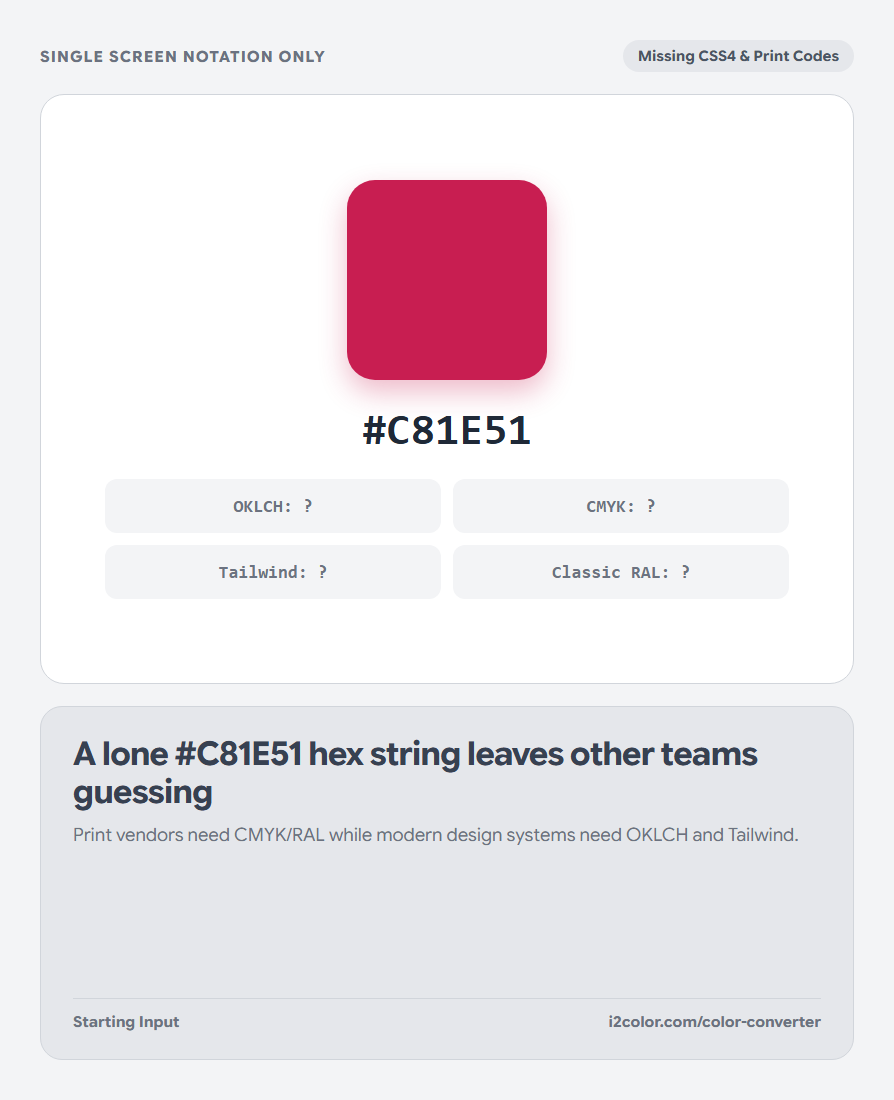
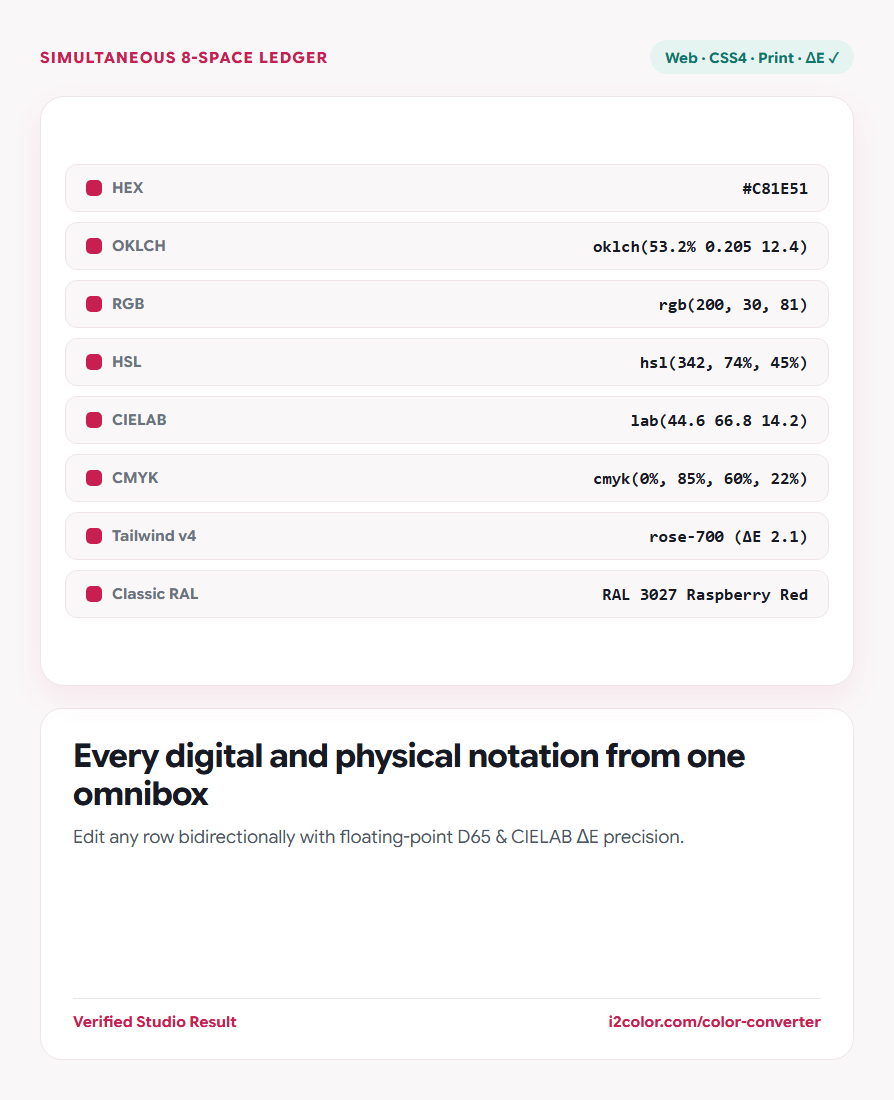

Open Color Converter in your browser to convert colors live across HEX, OKLCH, RGB, HSL, CIELAB, and CMYK while matching the nearest Tailwind CSS v4 token and Classic RAL paint code. Everything runs locally on your device with instant sync across the shared Active Palette bar.
Type or paste any color notation into the omnibox
Paste a #HEX code, rgb(200, 30, 81), hsl(342 74% 45%), oklch(53.2% 0.205 12), cmyk(0%, 85%, 60%, 22%), a Tailwind token like rose-700, or a Classic RAL code like RAL 3003.
You can also sample any pixel directly from your screen in Chromium browsers using the built-in Eyedropper button.
Inline editing: Every row in the conversion ledger is editable—type into the CMYK or OKLCH row directly to reverse-convert back to HEX.
Refine Lightness, Chroma, and Hue without drift
Use the interactive Lightness (L), Chroma (C), and Hue (H) sliders below the specimen card to dial in subtle adjustments while watching every CSS and print notation update simultaneously.
Check the bottom ledger rows to see the nearest official Tailwind CSS v4 utility token and Classic RAL powder-coat standard scored by perceptual CIELAB ΔE.
HEX, RGB & HSL
Ready for HTML canvases, legacy stylesheets, Figma/Sketch inspectors, and SVG attributes.
OKLCH & CIELAB
Perceptually uniform coordinates ideal for modern design tokens and ΔE tolerance specs.
CMYK & Classic RAL
Process ink percentages and nearest industrial RAL standard for signage and packaging.
Copy production CSS or push to Active Palette
Click the copy button beside any color space to copy valid CSS syntax, or click Add to Palette to store the swatch in your shared workspace bar.
/* Studio Ruby across CSS & Print standards */
--hex:      #C81E51;
--rgb:      rgb(200, 30, 81);
--hsl:      hsl(342, 74%, 45%);
--oklch:    oklch(53.2% 0.205 12.4);
--tailwind: rose-700; /* ΔE 2.1 */
--ral: RAL 3027 Raspberry Red;Common questions
Why can converting CMYK to HEX and back change numbers slightly?
Multiple CMYK ink mixes (varying Black K vs CMY) map to the same sRGB color; round-tripping normalizes to standard Gray Component Replacement (GCR).
Does the converter support 3-digit shorthand HEX like #F06?
Yes. 3-digit shorthand codes expand automatically to 6-digit uppercase hexadecimal (#FF0066).
What illuminant is used for CIELAB and OKLCH math?
sRGB and OKLCH use the standard D65 daylight white point defined by the W3C CSS Color 4 specification.
Try Color Converter
Translate any screen, CSS Color 4, or print notation from one omnibox.