
Open HEX to OKLCH Converter in your browser to convert any 3- or 6-digit HEX code to CSS Color 4 oklch() notation in real time, fine-tune L, C, and H sliders, and build dynamic CSS hover/alpha tokens. Everything runs locally on your device with instant sync across the shared Active Palette bar.
Paste any HEX code into the top omnibox
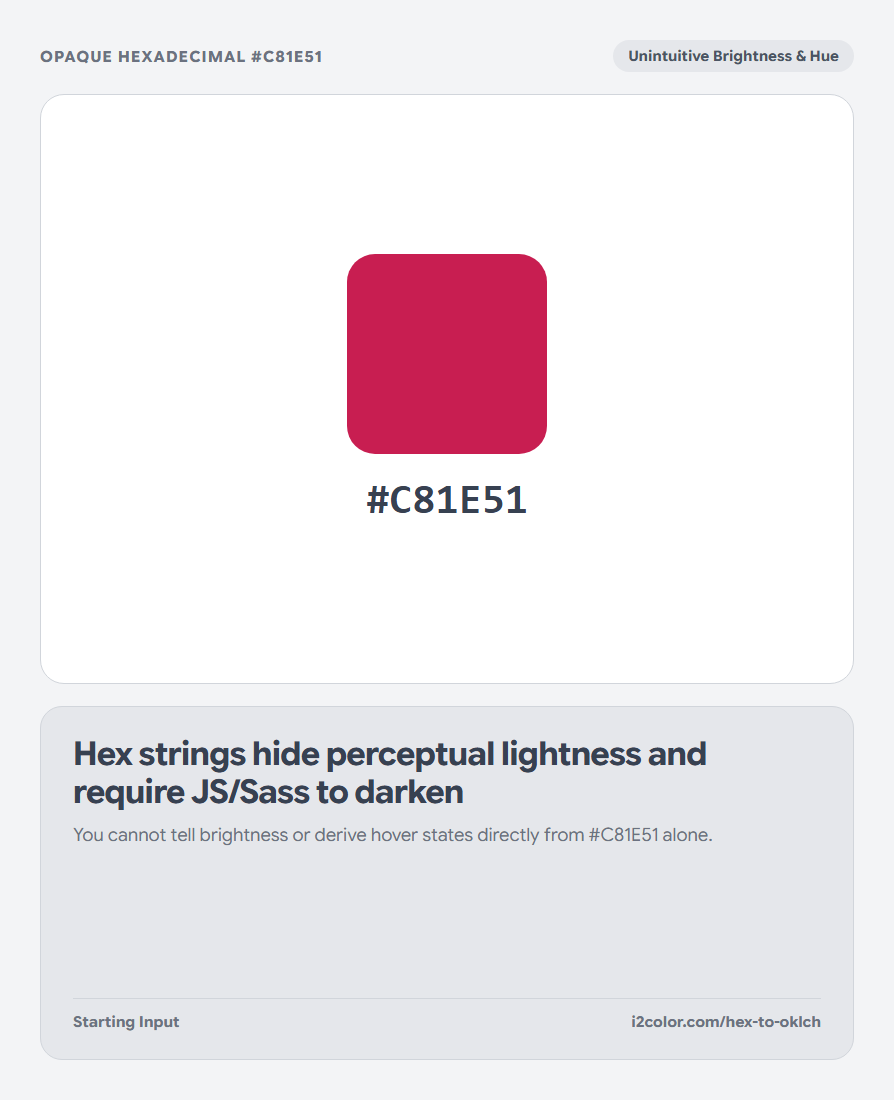
Enter your #HEX code (such as #C81E51) into the converter omnibox. The highlighted OKLCH row immediately outputs standard CSS Color 4 functional notation alongside RGB, HSL, CIELAB, and CMYK.
You can also paste an oklch(...) value to convert back to 6-digit #HEX.
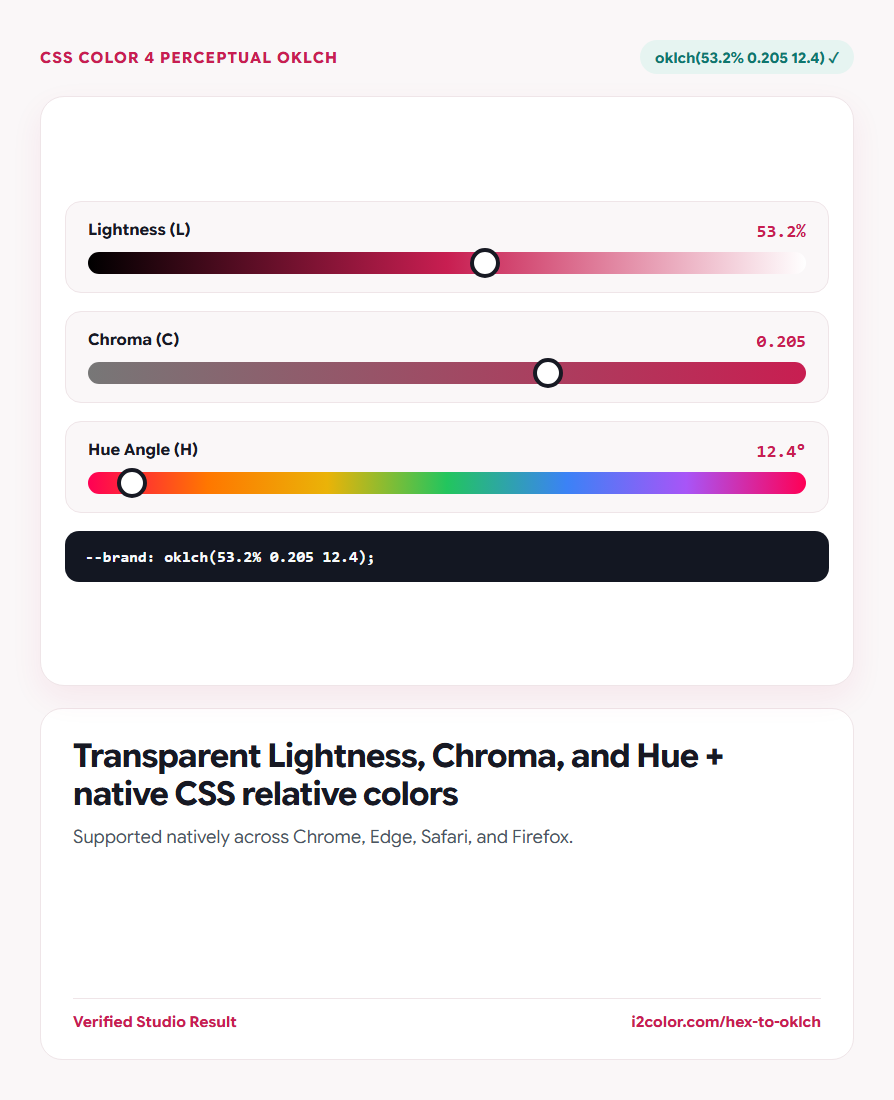
Understanding the 3 numbers: L is perceptual lightness (0% black to 100% white), C is chroma intensity (0 gray up to ~0.37), and H is hue angle (0°–360°).
Adjust Lightness without shifting Hue or Chroma
Drag the Lightness slider up and down and watch how the perceived color lightens or darkens cleanly—unlike HSL, where changing L dramatically warps perceived saturation.
Check the nearest Tailwind v4 token right below to see if your OKLCH value aligns with an existing system token.
Uniform Lightness (0–100%)
Any two hues at L=60% share genuine visual brightness—making accessible contrast predictable.
Chroma (0.00–0.37)
Dial chroma down to ~0.01 for subtly tinted Zinc/Stone neutrals or up to ~0.20 for vivid buttons.
Relative Color Syntax
Use oklch(from var(--brand) calc(l - 0.08) c h) in modern CSS for effortless hover states.
Paste modern oklch() tokens into :root
Click the copy icon on the OKLCH row to copy clean CSS Color 4 syntax.
:root {
  --brand:       oklch(53.2% 0.205 12.4); /* #C81E51 */
  --brand-hover: oklch(from var(--brand) calc(l - 0.07) c h);
  --brand-ring:  oklch(from var(--brand) l c h / 25%);
}Common questions
Do I need PostCSS or Sass to use oklch() today?
No—Chrome, Edge, Safari, and Firefox all parse oklch() natively in plain CSS files.
Why is Chroma 0.205 instead of a 0–100% percentage?
Unlike HSL where every hue pretends to reach "100%", real human vision reaches higher maximum chroma in reds/greens than in cyans; unbounded C (typically 0 to ~0.37) reflects real physics and wide-gamut headroom.
How do I add alpha transparency to oklch()?
Append a slash inside the function: oklch(53.2% 0.205 12.4 / 15%).
Try HEX to OKLCH Converter
Upgrade legacy #HEX stylesheets to human-readable perceptual lightness, chroma, and hue.