
Open CSS Filter Solver in your browser to convert any target HEX, OKLCH, Tailwind, or RAL color into an optimized CSS filter() chain and an exact 0.0 ΔE inline SVG feColorMatrix rule. Everything runs locally on your device with instant sync across the shared Active Palette bar.
Paste the exact target color you want the icon to become
Enter any #HEX, oklch(), Tailwind token (like rose-700), or Classic RAL code—or click any swatch in your Active Palette bar.
The multi-stage optimizer runs locally in milliseconds to solve the invert(), sepia(), saturate(), hue-rotate(), brightness(), and contrast() chain with the lowest possible CIELAB ΔE.
Automatic black normalization: The generated rule prepends brightness(0) saturate(100%) so colored or gray source icons normalize to pure black first.
Choose between a 1-line CSS filter or 0.0 ΔE feColorMatrix
Inspect the live side-by-side preview comparing your target swatch against the filtered icon output and check the reported ΔE badge.
Need mathematical perfection for strict brand compliance? Use the companion SVG feColorMatrix snippet, which achieves exact 0.0 ΔE on every color.
1-Line CSS filter()
Zero HTML markup needed—drop directly onto img.icon or ::before pseudo-elements.
Exact SVG feColorMatrix
Maps normalized RGB channels directly to exact target sRGB decimals with 0.0 ΔE error.
Dynamic State Swapping
Swap filter variables on :hover or [data-theme="dark"] without shipping duplicate PNGs.
Copy and apply to your icon class
Click Copy CSS Filter (or Copy SVG Matrix) and apply it to any monochrome icon silhouette.
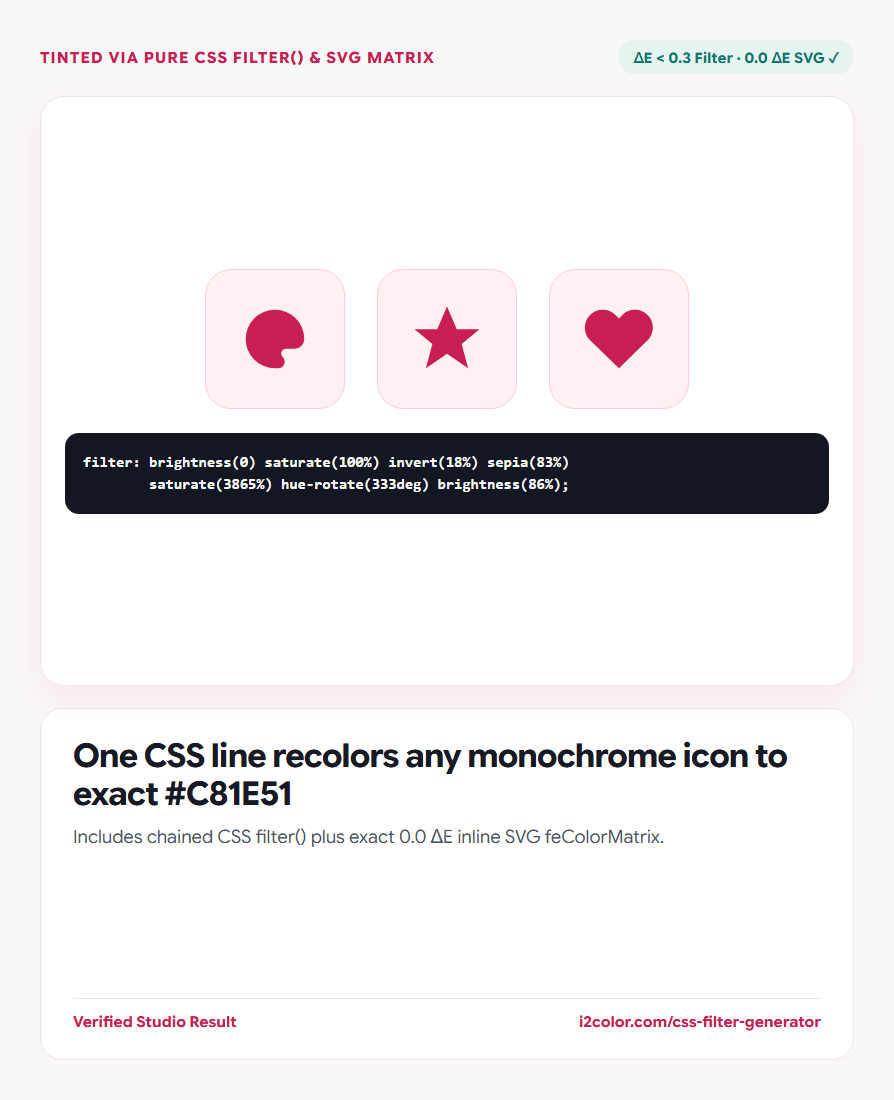
.icon-brand {
  /* Target: #C81E51 (ΔE 0.3) */
  filter: brightness(0) saturate(100%) invert(18%) sepia(83%)
          saturate(3865%) hue-rotate(333deg) brightness(86%) contrast(97%);
}Common questions
Does this destroy anti-aliased transparent edges on PNG icons?
No—CSS filter() and feColorMatrix preserve the original alpha channel of every semi-transparent edge pixel cleanly.
Why prepend brightness(0) saturate(100%)?
The sepia/hue-rotate math assumes a #000000 starting pixel; prepending brightness(0) saturate(100%) forces any non-black icon to black first without touching alpha.
Why can some pastel colors have ΔE ~ 0.8 in chained CSS filters?
Browser sepia() caps internal chroma math slightly; switching to the provided SVG feColorMatrix eliminates that error completely (ΔE 0.0).
Try CSS Filter Solver
Recolor external <img> icons in pure CSS—with chained filter() or 0.0 ΔE SVG matrix.