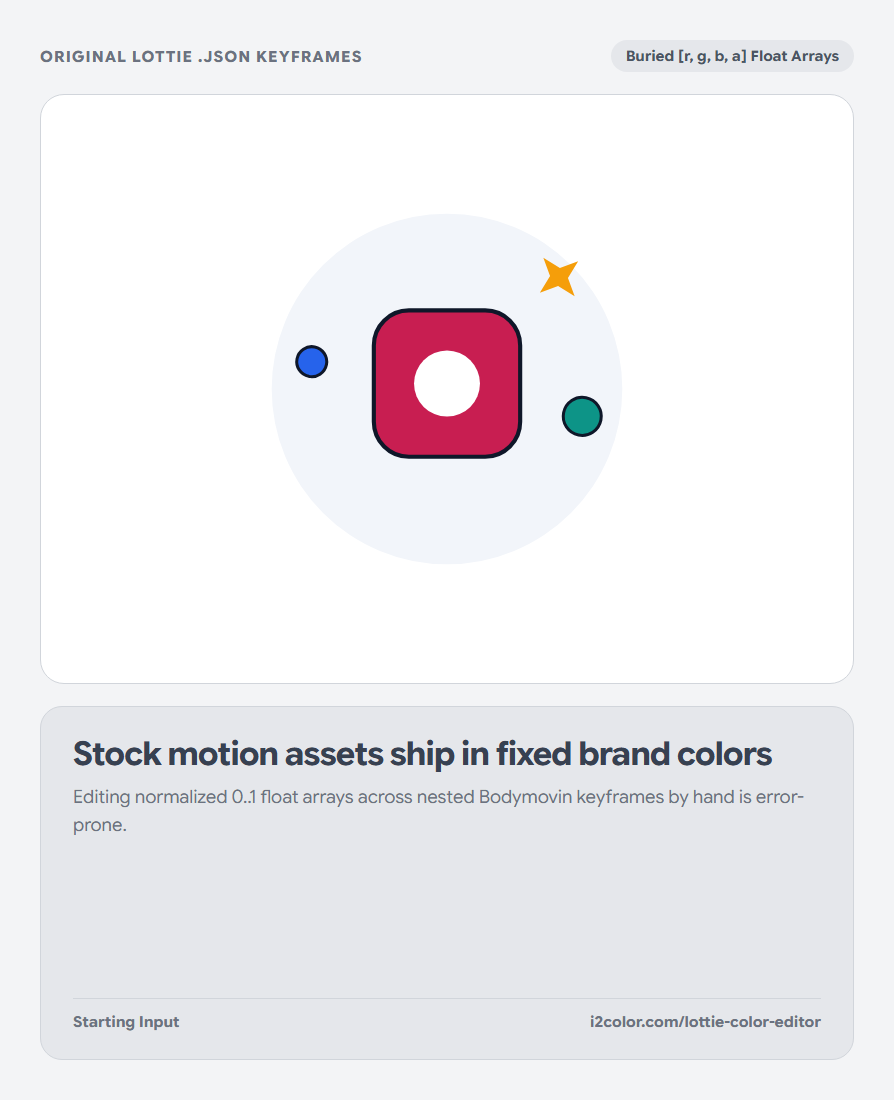


Open Lottie Color Editor in your browser to open any Lottie or Bodymovin .json file, group static and keyframed vector colors automatically, apply your Active Palette live at 60fps, and export clean JSON. Everything runs locally on your device with instant sync across the shared Active Palette bar.
Drop your Bodymovin / Lottie .json animation
Click Upload JSON or drop any .json vector animation onto the stage. The parser traverses precomps, shape groups, solid fills (fl), strokes (st), gradient fills (gf/gs), and animated keyframe tracks—grouping identical colors into clean swatch controls.
Playback runs smoothly at 60fps with Play/Pause, scrubbing, and Light/Dark stage backdrops.
Zero After Effects round-trip: Adapt onboarding animations for both Light and Dark app themes in seconds without reopening `.aep` source files.
Recolor individual clusters or map your Active Palette
Click any detected color chip to pick an exact replacement #HEX, or click Apply Active Palette to harmonize the entire animation around your studio colors.
Cubic-Bézier spatial/temporal easing tangents (i/o), trim paths, masks, and layer transforms remain 100% untouched.
Animated Keyframe Support
Detects and updates start/end color arrays inside multi-keyframe transitions smoothly.
Gradient Fill & Stroke Stops
Parses flattened [offset, r, g, b] Lottie gradient arrays without corrupting alpha stops.
Zero Cloud Upload
Proprietary product and mobile app animations stay exclusively on your machine.
Export production-ready Lottie JSON
Click Download JSON to save a compact, valid Lottie file ready for lottie-web, lottie-react, SwiftUI, or Jetpack Compose.
// Lottie Color Channel Updated cleanly in [r, g, b, a] 0..1 space
{
  "ty": "fl",
  "nm": "Primary Accent Fill",
  "c": { "a": 0, "k": [0.7843, 0.1176, 0.3176, 1] } // #C81E51
}Common questions
Why does Lottie use 0..1 decimals instead of #HEX strings?
After Effects / Bodymovin exports normalized floating-point RGB channels (for example 200/255 = 0.7843); our editor converts between #HEX and 4-decimal floats automatically.
Does this support embedded raster PNG base64 layers inside Lottie?
Vector shape, stroke, and gradient layers recolor cleanly; embedded bitmap images inside a Lottie file remain unchanged.
Will the exported file size bloat?
No—only the numeric color arrays change, keeping JSON byte size virtually identical to your original file.
Try Lottie Color Editor
Recolor static fills, strokes, gradients, and animated keyframes at 60fps—without After Effects.