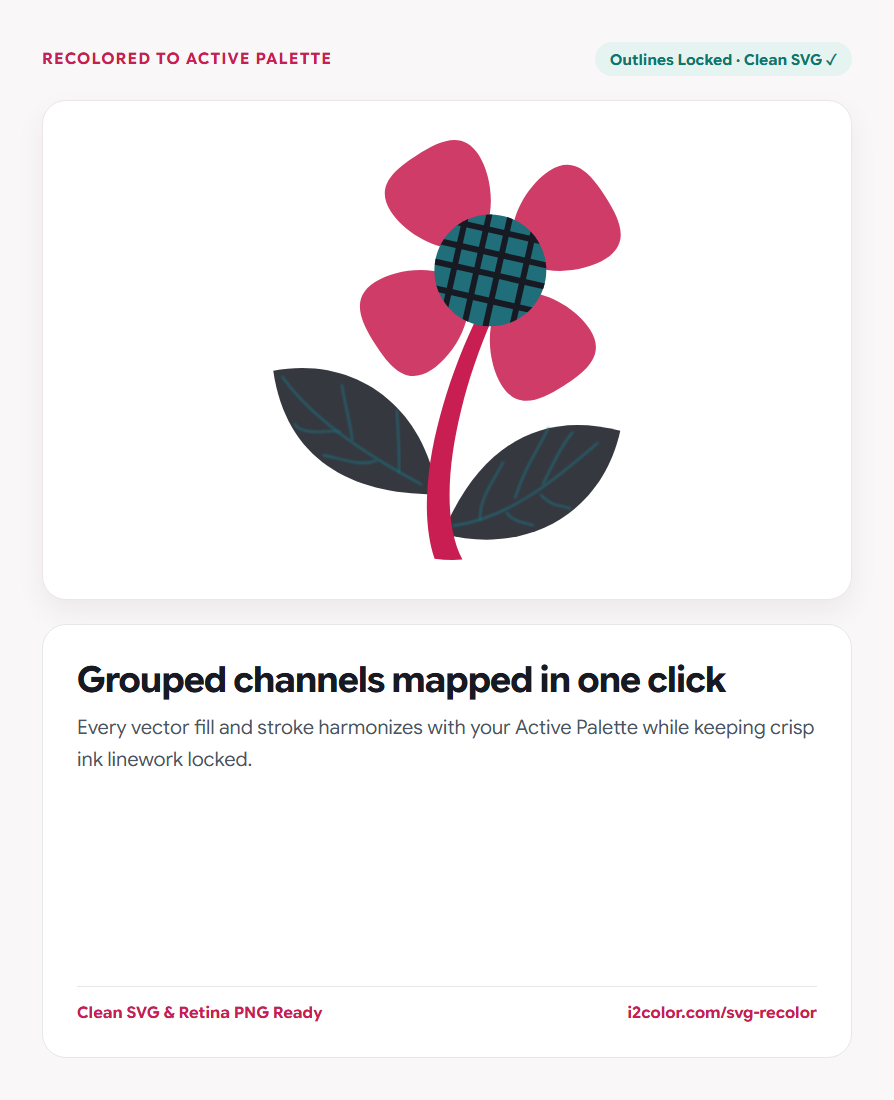

Open SVG Color Changer in your browser to upload or paste any SVG file, automatically group fill and stroke colors, lock outlines and skin tones, apply your Active Palette, and export SVG or PNG. Everything runs locally on your device with instant sync across the shared Active Palette bar.
Load your vector icon pack or illustration
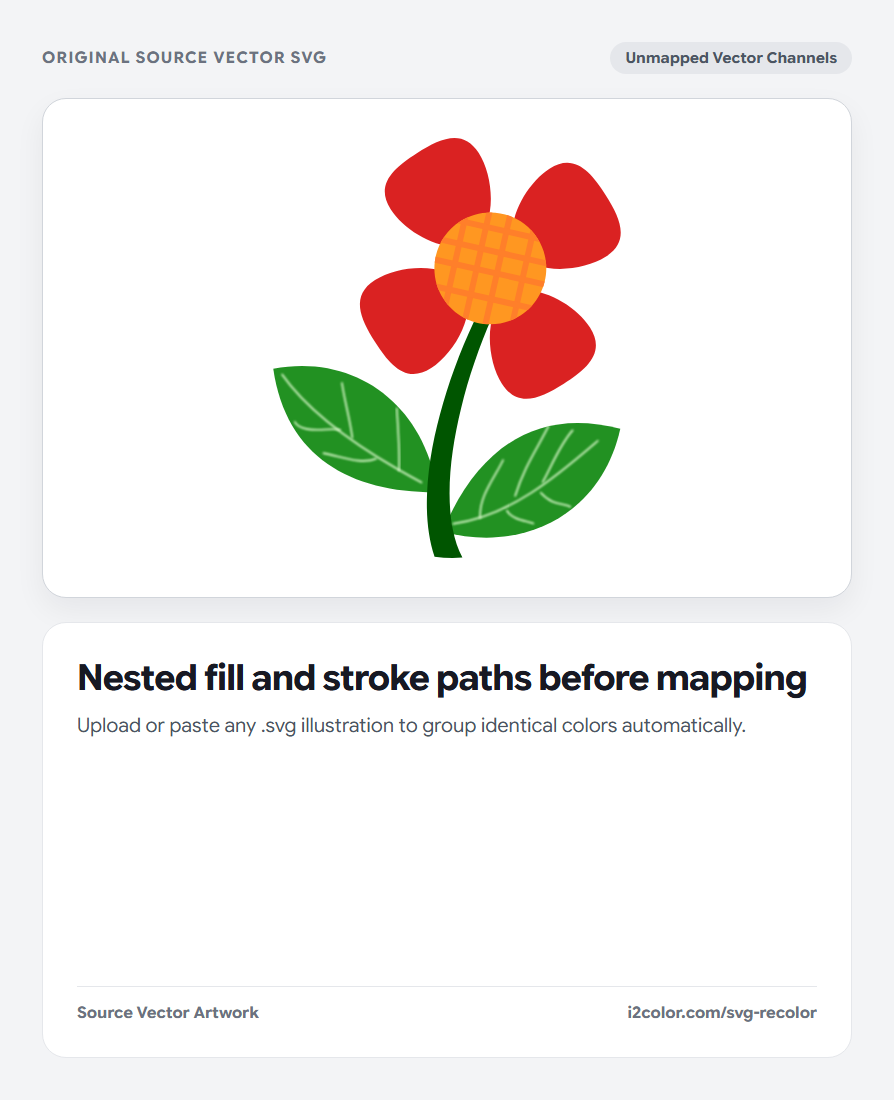
Drop an .svg file onto the canvas or paste raw SVG code. The parser scans fill, stroke, stop-color, inline style="" attributes, and internal <style> rules—grouping every unique color channel automatically.
Scripts and unsafe external references are sanitized locally inside your browser.
Protect key details: Click the lock icon beside pure black linework, white sclera/highlights, or detected skin-tone swatches before shuffling.
Apply your Active Palette or edit channels individually
Click Apply Palette (or Shuffle Mapping) to remap unlocked illustration colors onto your Active Palette ranked by perceptual lightness so shadows stay dark and highlights stay bright.
You can also click any individual detected color chip to fine-tune a single shirt, background blob, or icon accent.
Smart Skin & Ink Locks
Prevents automatic palette shuffles from turning character skin or crisp ink outlines neon.
Lightness-Matched Mapping
Pairs dark SVG fills with dark palette swatches so 3D shading depth stays intact.
Clean SVG & Retina PNG
Download optimized vector .svg code or rasterize directly to transparent high-DPI PNG.
Export production SVG markup or transparent PNG
Click Download SVG (or Copy SVG) for crisp inline web graphics, or export a transparent PNG for slide decks and docs.
<svg xmlns="http://www.w3.org/2000/svg" viewBox="0 0 240 180">
  <rect width="240" height="180" rx="20" fill="#FAF6F7"/>
  <circle cx="84" cy="90" r="42" fill="#C81E51"/>
  <path d="M136 58h56v64h-56z" rx="12" fill="#1F6E7A"/>
</svg>Common questions
Does recoloring alter SVG viewBox, paths, or vector sharpness?
Never. Only color attribute values and style tokens are updated; every path coordinate, clipPath, and viewBox stays untouched.
Can it recolor SVG linearGradient and radialGradient stops?
Yes—all <stop stop-color="..."> declarations inside SVG gradients are detected as editable color channels.
Are uploaded client logos or proprietary icons sent to a server?
No. All XML parsing, sanitization, live previewing, and PNG rasterization execute locally in your browser.
Try SVG Color Changer
Swap detected fill and stroke channels in one click while protecting skin tones.