
Open Bootstrap Colors in your browser to browse all 208 Bootstrap 6 OKLCH shades (025–975) and 99 classic Bootstrap 5.3 colors (100–900), inspect WCAG contrast, or build a custom 13-shade scale. Everything runs locally on your device and connects directly with your shared Active Palette.
Switch between Bootstrap 6 (16 × 13), Bootstrap 5.3, or Custom Scale
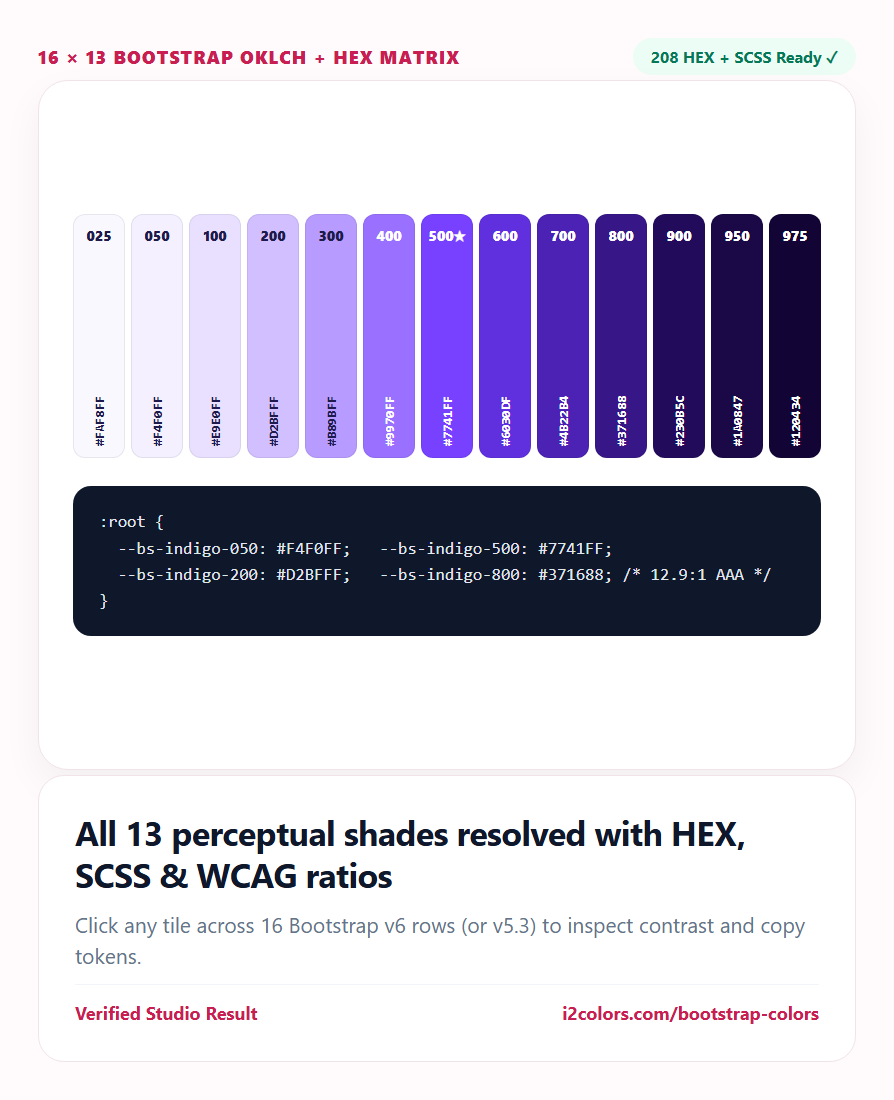
By default, the matrix displays all 16 perceptual OKLCH color families introduced in Bootstrap 6—including violet, amber, lime, brown, and pewter—across 13 stops from airy 025 washes down to deep 975 surfaces.
Working on an existing Bootstrap 5 codebase? Click Bootstrap 5.3 (11 × 9) to view the classic sRGB 100–900 Sass tint-color() and shade-color() hex values, or select Custom Scale to generate a matching 13-stop ramp from any brand #HEX.
Switch cell syntax anytime: Use the top-right syntax dropdown to display HEX, OKLCH, RGB, --bs-* CSS variables, or $*-* Sass tokens directly inside every swatch.
Click any color tile to inspect contrast and copy tokens
Clicking any swatch opens the interactive Color Inspector popup—letting you step smoothly across neighboring shades (‹ 400 · 500 · 600 ›) while comparing WCAG 2.1 contrast ratios against pure white and black.
Click any token card inside the inspector—HEX, CSS Variable, SCSS Variable, OKLCH, RGB, or HSL—to copy it immediately, or send the shade into your shared Active Palette.
Subtle Alerts & Borders
Use 025–050 for calm light-mode alert fills and 200 for subtle borders that pair cleanly with 800 ink.
Base Brand & Hover Fills
Stop 500 holds each hue's unmixed base color, while 600 provides a consistent 16%-shaded hover state.
Emphasis Ink & Dark Surfaces
Pair 800 text over 050 backgrounds for 10:1+ AAA legibility, and use 900–975 for dark-mode surfaces.
Export CSS :root variables, Bootstrap SCSS, or W3C JSON
Click Export CSS / SCSS in the toolbar (or click CSS Row above any single color strip) to copy resolved :root hex custom properties, native color-mix(in oklch) formulas, Sass _colors.scss maps, Tailwind @theme tokens, or JSON.
:root {
  --bs-indigo-050: #F4F0FF;
  --bs-indigo-200: #D2BFFF;
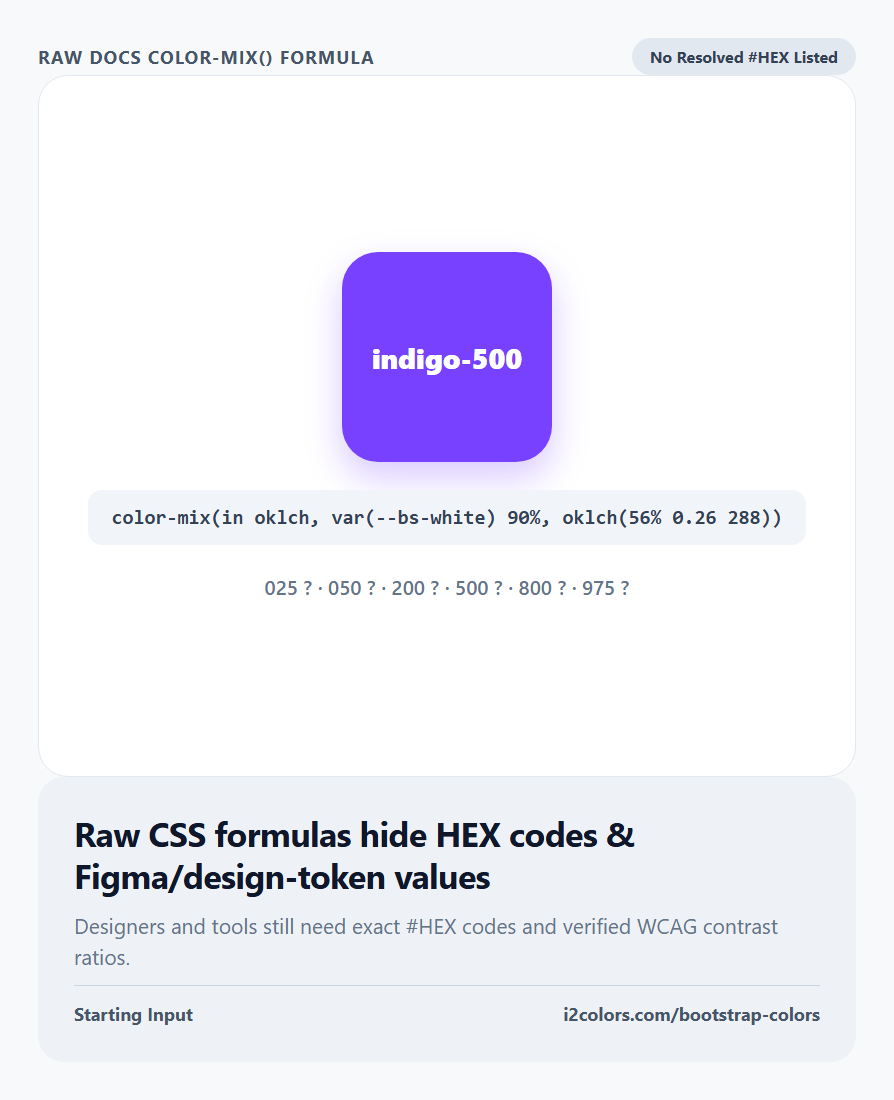
  --bs-indigo-500: #7741FF; /* Base oklch(56% 0.26 288) */
  --bs-indigo-600: #6030DF;
  --bs-indigo-800: #371688;
  --bs-indigo-950: #1A0847;
}Common questions
Why did Bootstrap 6 move from sRGB Sass mixing to OKLCH?
In sRGB, mixing white or black shifts perceived brightness unevenly across yellow, blue, and purple. Mixing in perceptual OKLCH keeps every row visually balanced from 025 to 975.
How are the resolved HEX codes calculated from color-mix(in oklch)?
Because pure white and black have zero chroma (powerless hue in CSS Color 5), mixing preserves the base hue angle while scaling lightness and chroma linearly before gamut-mapping cleanly to sRGB.
Can I preview how a row looks on real Bootstrap alerts and buttons?
Yes—click Preview in UI on any row (or pick a hue dot in the Live Bootstrap Theme Preview below the matrix) and toggle between Light and Dark modes.
Try Bootstrap Colors
Explore all 208 Bootstrap 6 OKLCH shades, classic v5.3 HEX codes, and custom brand ramps.