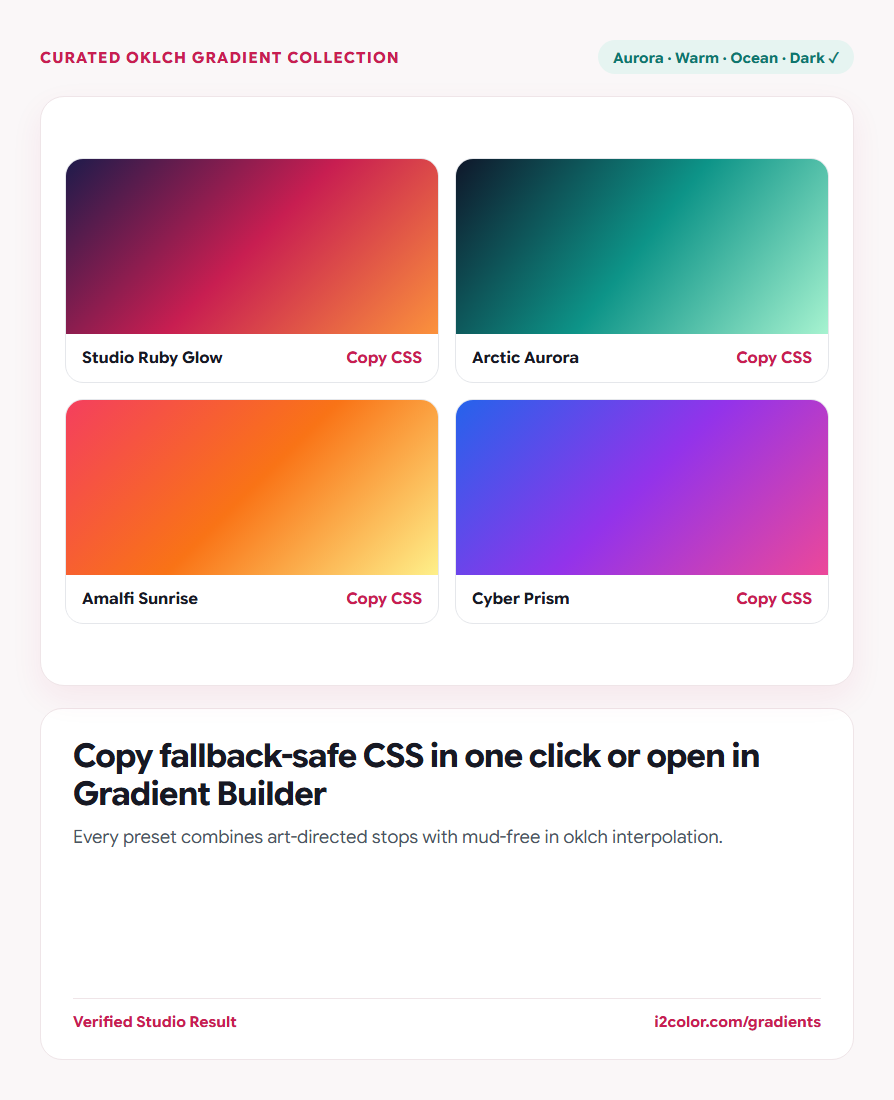

Open Explore Gradients in your browser to explore curated OKLCH CSS gradients across Aurora, Warm, Ocean, Pastel, Dark, and Neon collections—copy fallback-safe CSS, save PNGs, or customize live. Everything runs locally on your device with instant sync across the shared Active Palette bar.
Filter curated gradients by visual mood
Select a mood tab—such as Aurora, Warm, Ocean, Pastel, Dark, or Neon—or search by name or #HEX code to preview smooth perceptual backgrounds.
Click any individual color dot beneath a card to copy that stop’s #HEX value.
Dark-mode hero cards: Filter by Dark to find deep obsidian-to-jewel gradients that keep white hero headlines effortlessly readable.
Grab progressive CSS or a high-res raster wallpaper
Click Copy CSS on any card to copy a ready-to-paste rule containing both a classic sRGB fallback and the modern in oklch declaration.
Need a static asset for Figma, Keynote, or social backgrounds? Click PNG to render a smooth high-resolution image locally.
Dual Fallback + OKLCH CSS
Renders identically across modern browsers while degrading gracefully on older engines.
High-Res Canvas Export
Downloads crisp raster backdrops for slide decks, thumbnails, and social banners.
Open in Gradient Builder
Hands off exact stops and angles into Gradient & Mesh Builder for custom tweaking.
Click Open in Builder to tailor angles or mesh points
Select Open in Builder on any preset to convert it into a Radial, Conic, or 2D Mesh gradient or swap one stop for your exact brand HEX.
.card-aurora {
  background: linear-gradient(128deg, #0F172A 0%, #0D9488 54%, #A7F3D0 100%);
  background: linear-gradient(in oklch 128deg, #0F172A 0%, #0D9488 54%, #A7F3D0 100%);
}Common questions
Can I use these gradients in commercial SaaS apps and templates?
Yes—all gradient presets and PNG exports on i2Colors are 100% free for personal and commercial projects.
How does Open in Builder pass the gradient without URL clutter?
It hands off the stop list cleanly via local session storage and loads Gradient & Mesh Builder at a clean URL.
Why do Pastel presets stay airy instead of turning gray?
Because OKLCH interpolates hue angle directly while holding high lightness (~92–96%) steady across stops.
Try Explore Gradients
Copy mud-free CSS backgrounds in one click or customize stops in the Builder.