
Open Contrast Checker in your browser to test foreground and background colors against WCAG 2.1 AA/AAA and APCA Lc standards, audit full palette matrices, and auto-fix failing contrast in OKLCH. Everything runs locally on your device with instant sync across the shared Active Palette bar.
Set your foreground ink and background surface
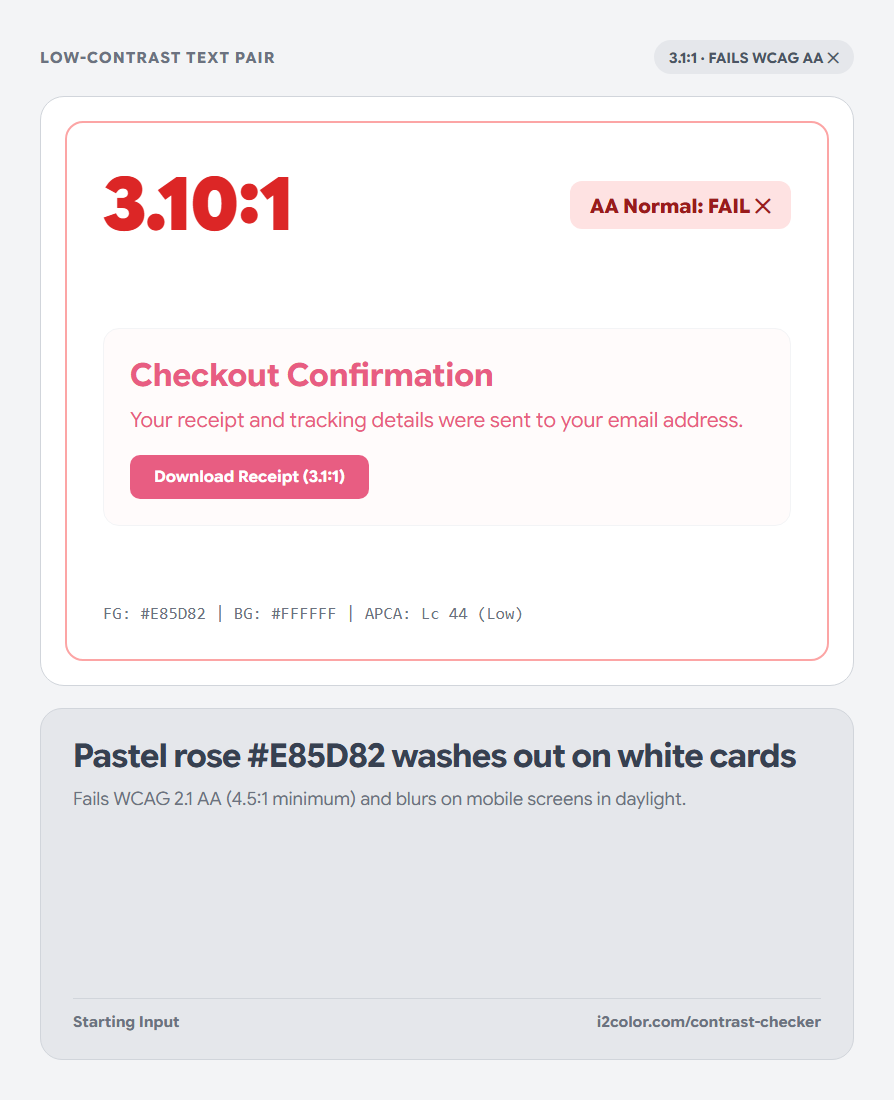
Enter your text color and background color—or click any two swatches in the Active Palette bar above the stage. Both classical WCAG 2.1 contrast ratios (1:1 to 21:1) and modern APCA perceptual lightness (Lc) update live across sample headlines, body paragraphs, and UI buttons.
Use the Swap button to check inverse badge and solid-button polarity instantaneously.
Target thresholds: Aim for 4.5:1 (WCAG AA) and Lc 60+ on body text, 3.0:1 on large 18pt+ headings and icons, and 7.0:1 for AAA long-form reading.
Repair failing ratios without shifting hue
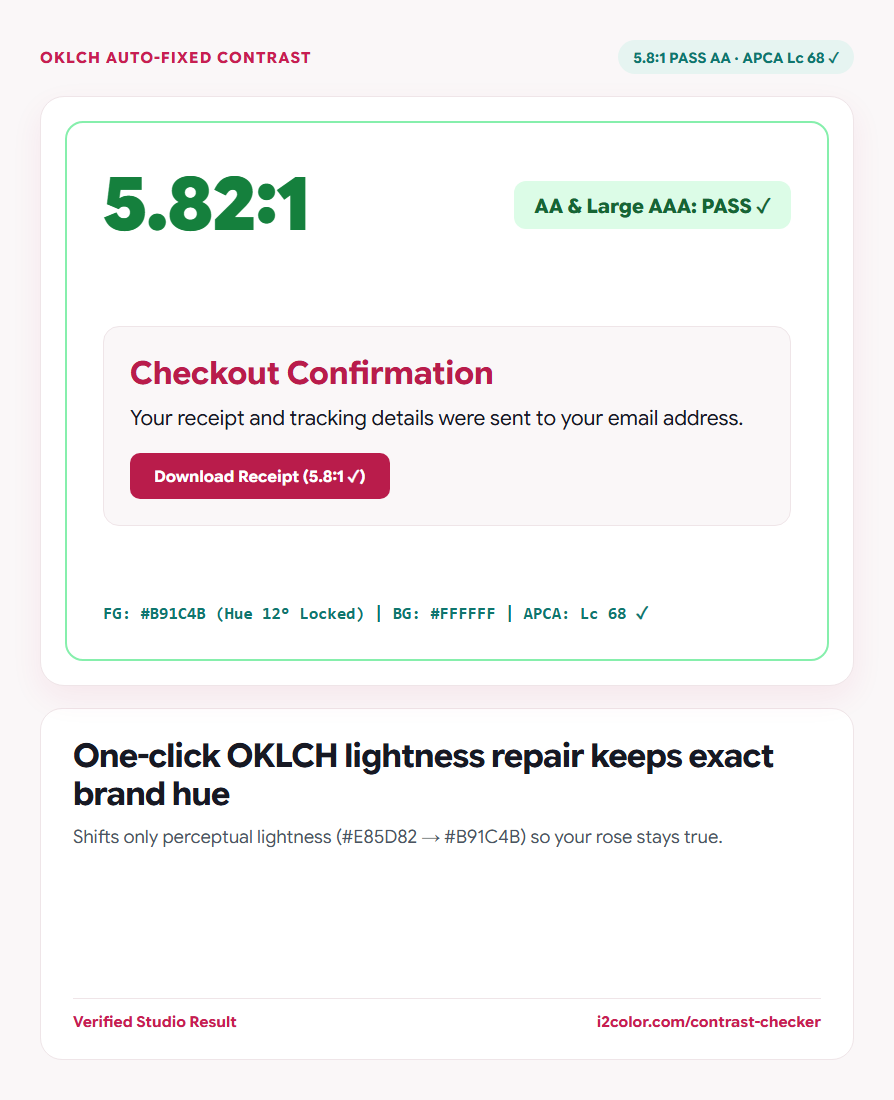
When a pair falls short of AA or AAA, click Auto-Fix Contrast. Instead of darkening colors clumsily in RGB, the solver binary-searches OKLCH lightness while keeping hue angle fixed—so a warm rose stays a true rose as it darkens to 4.5:1+.
Scroll to the Full Palette Matrix to inspect every N×N combination in your Active Palette at once.
WCAG 2.1 AA (4.5:1 / 3.0:1)
Required baseline under ADA, Section 508, and European Accessibility Act (EAA) audits.
WCAG 2.1 AAA (7.0:1)
Recommended for dense documentation, healthcare portals, and small 12–13px UI labels.
APCA Perceptual Lc
Models dark-mode polarity and font stroke weight far more accurately than luminance ratios alone.
Save repaired colors back to your system
Apply the repaired foreground or background swatch back into your Active Palette and copy clean, contrast-documented CSS variables for your engineering team.
:root {
  --surface-card:   #FFFFFF;
  --text-primary:   #0F172A; /* 17.4:1 AAA | APCA Lc 102 */
  --text-muted:     #475569; /*  7.6:1 AAA | APCA Lc 78  */
  --action-primary: #B91C4B; /*  5.8:1 AA  | APCA Lc 68  */
}Common questions
Why can a dark-mode pair pass WCAG 4.5:1 yet still feel hard to read?
WCAG 2.1 treats light-on-dark and dark-on-light identically; checking APCA Lc alongside WCAG catches thin light text on mid-dark gray surfaces.
Do decorative borders and disabled buttons require 4.5:1 contrast?
WCAG 1.4.11 requires 3.0:1 for active input borders and focus rings, while purely decorative dividers and disabled states are exempt.
Can I export an approved contrast pair table for clients?
Yes. Open Brand Color Guide PDF in the suite to generate a 1-page vector spec sheet that lists approved WCAG pairs automatically.
Try Contrast Checker
Verify AA, AAA, and APCA readability—and repair failing text in one click.