
Open Color Blindness Simulator in your browser to simulate Protanopia, Deuteranopia, Tritanopia, Achromatopsia, and B&W photocopy output across your Active Palette, UI components, and uploaded images. Everything runs locally on your device with instant sync across the shared Active Palette bar.
Inspect your palette across 5 vision profiles at once
Open Color Blindness Simulator with your Active Palette loaded. Physiologically grounded LMS cone-deficiency matrices render your swatches simultaneously under Protanopia (red-blind), Deuteranopia (green-blind), Tritanopia (blue-blind), Achromatopsia, and high-contrast B&W Photocopy.
Watch for warning badges flagging any two palette roles whose simulated ΔE drops too close to distinguish.
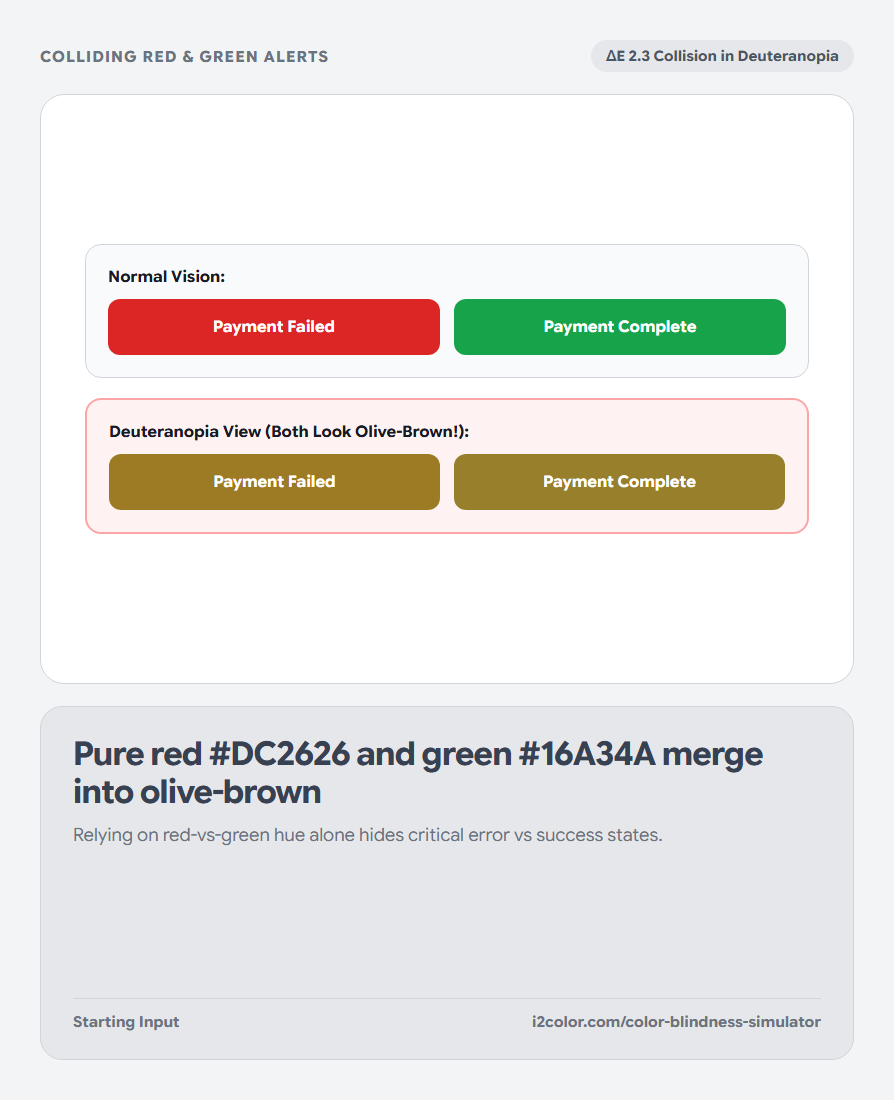
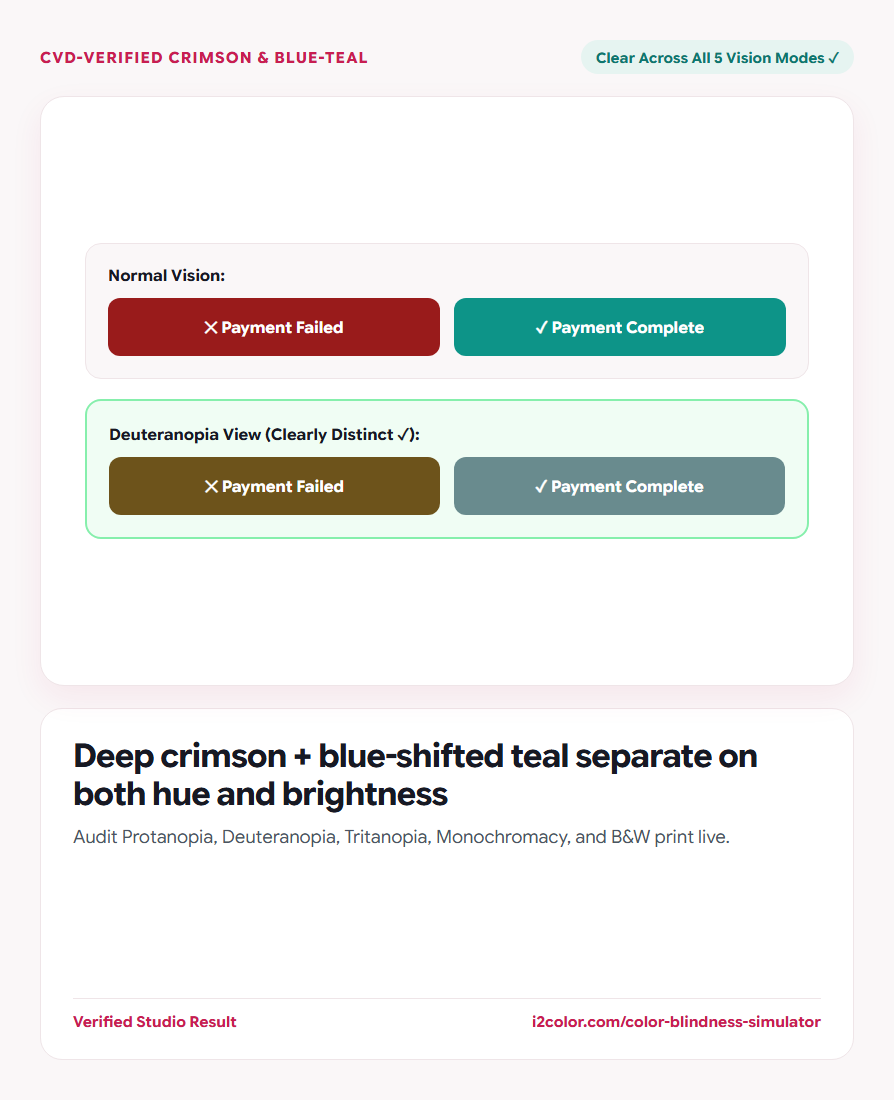
Quick fix for red/green status: Shift success green slightly toward blue-teal (#0D9488) and deepen error red (#B91C1C) so they separate on both hue and brightness.
Switch to Image mode to audit screenshots and charts
Toggle to Image view and drop any Figma export, dashboard screenshot, or subway/choropleth map onto the stage.
Compare the original image side by side with any CVD profile before shipping.
Deuteranopia & Protanopia
Covers red-green color vision deficiencies (~8% of male users)—critical for error/success states.
Tritanopia (Blue-Yellow)
Checks blue-vs-green and yellow-vs-pink confusion on badges and heatmaps.
Monochromacy & Photocopy
Proves that hierarchy survives on e-ink readers and laser-printed documents.
Adjust clashing swatches right in the Active Palette bar
Click any colliding swatch in the top Paintbox bar to nudge its lightness or hue until all simulated rows separate cleanly.
/* CVD-Resilient Semantic Status Tokens */
--status-danger:  #B91C1C; /* Deep Crimson  (L=46%) */
--status-warning: #D97706; /* Bright Amber  (L=66%) */
--status-success: #0F766E; /* Blue-Teal     (L=51%) */
--status-info: #1D4ED8; /* Royal Cobalt (L=48%) */Common questions
How accurate is LMS matrix simulation?
Brettel/Viénot/Machado LMS cone-fundamental transforms are the peer-reviewed gold standard used in clinical and browser DevTools vision simulation.
Why include a B&W Photocopy check alongside Achromatopsia?
Office laser printers and photocopiers apply steep S-curve contrast that crushes pale pastel backgrounds to white and dark midtones to black.
Are uploaded UI screenshots kept private?
Yes—all pixel simulation runs locally on HTML5 Canvas with zero external uploads.
Try Color Blindness Simulator
Preview Protanopia, Deuteranopia, Tritanopia, and B&W print side by side.