
Open Alpha to Solid Converter in your browser to convert semi-transparent RGBA or 8-digit HEX colors over any background into their exact solid 6-digit HEX equivalent using Porter-Duff compositing. Everything runs locally on your device with instant sync across the shared Active Palette bar.
Set your foreground color, opacity, and backdrop surface
Enter your foreground color (#C81E51), alpha percentage (for example 12% or rgba(200, 30, 81, 0.12)), and the background surface it sits on (#FFFFFF for light cards or #0F172A for dark mode).
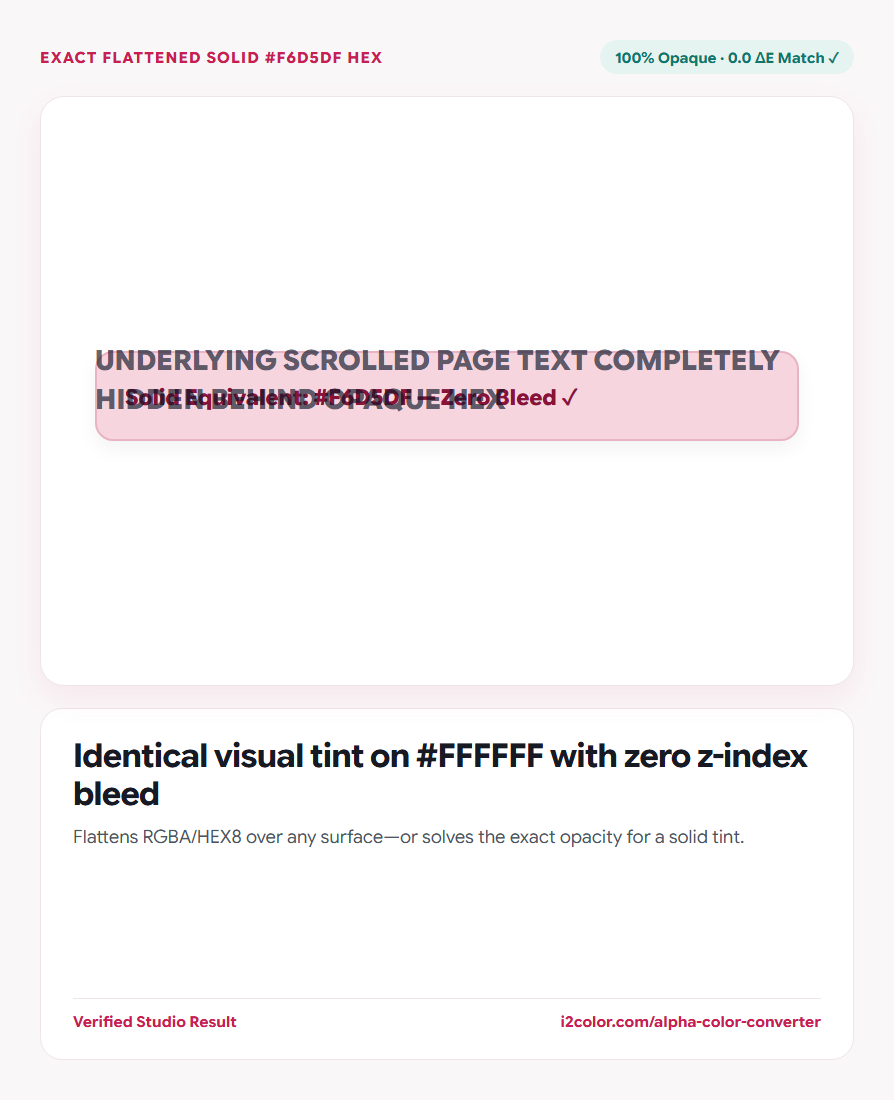
Inspect the split visual proof: the left half renders live browser alpha compositing while the right half renders the computed 100% solid #HEX—confirming zero visual seam.
8-digit HEX support: Paste 8-digit codes like #C81E511F directly to decode both RGB channels and alpha byte automatically.
Solve the inverse: what opacity reproduces a solid gray or tint?
Switch to Solve Alpha when refactoring hardcoded solid borders (like #E2E8F0) into an adaptive translucent rule (like rgba(15, 23, 42, 0.11)) that works over subtly tinted cards.
The solver reports both the optimal alpha percentage and residual ΔE accuracy.
Flatten RGBA → Solid HEX
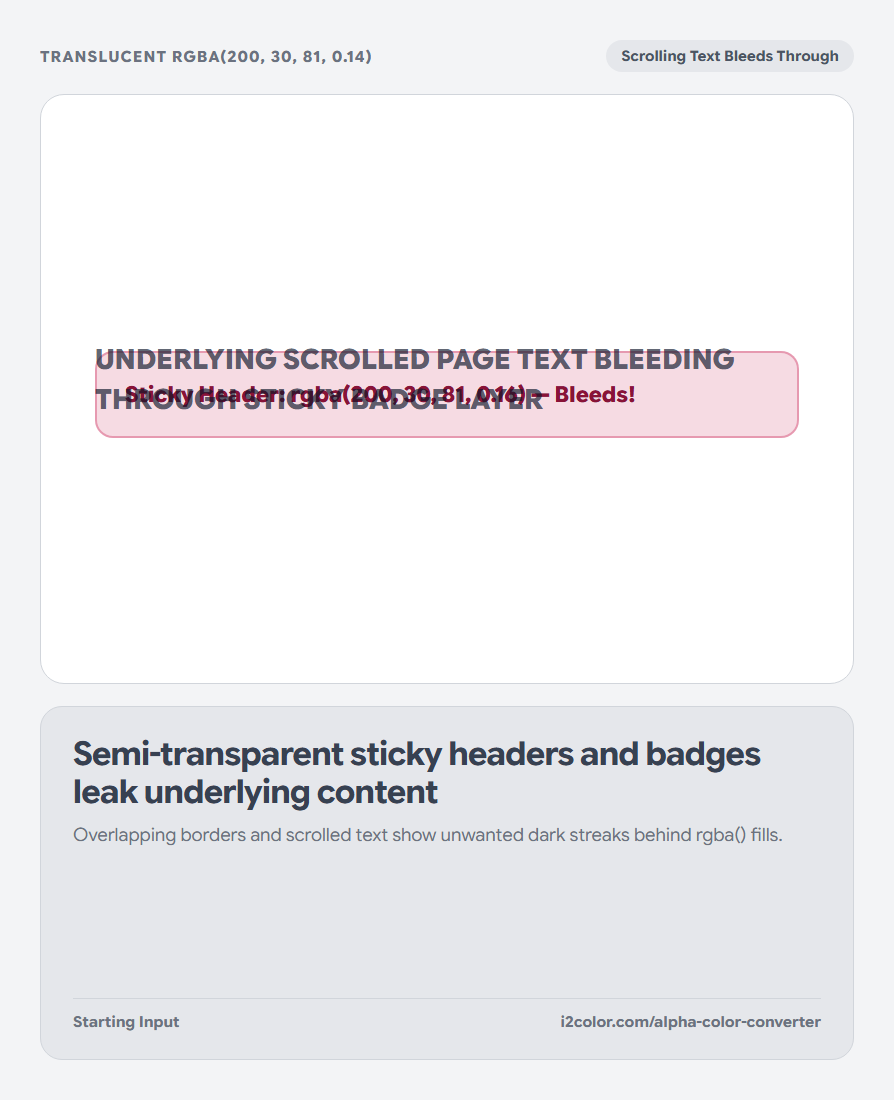
Fixes z-index bleed on sticky headers, table sticky columns, tooltips, and overlapping avatars.
Solve Solid → RGBA Alpha
Finds the exact opacity of black/ink over white needed to match an existing solid border token.
10%–100% Opacity Strip
Displays the full 10-step flattened HEX ramp over your chosen Light or Dark surface.
Copy your opaque HEX token
Click the resulting swatch or Copy HEX to drop the solid equivalent straight into your CSS tokens.
/* Porter-Duff Flattened Equivalents of #C81E51 */
--badge-light-solid: #F8DCE4; /* matches rgba(200, 30, 81, 0.12) on #FFFFFF */
--badge-dark-solid: #261423; /* matches rgba(200, 30, 81, 0.16) on #0F172A */Common questions
What is the exact formula used to flatten RGBA over a solid background?
For each channel: Out = round(Foreground × α + Background × (1 − α)), matching browser sRGB source-over compositing.
When can Reverse Alpha Solver report a non-zero ΔE?
If the target tint has a different hue angle than the line between your ink and background (for example solving warm beige from cool blue-black ink over pure white), it finds the closest projection and reports the exact ΔE gap.
Does this work over dark-mode surfaces like #09090B?
Yes—set Background to your dark card color (#09090B or #131926) to compute exact dark-mode solid badge fills.
Try Alpha to Solid Converter
Flatten alpha colors over any background—or solve the exact opacity for a tint.