
Open Risograph & Halftone Studio in your browser to turn any photo into a two-drum Risograph and halftone print using Active Palette spot inks, rotated dot screens, registration offset, and organic ink grain. Everything runs locally on your device with instant sync across the shared Active Palette bar.
Load a photo and audition Active Palette spot inks
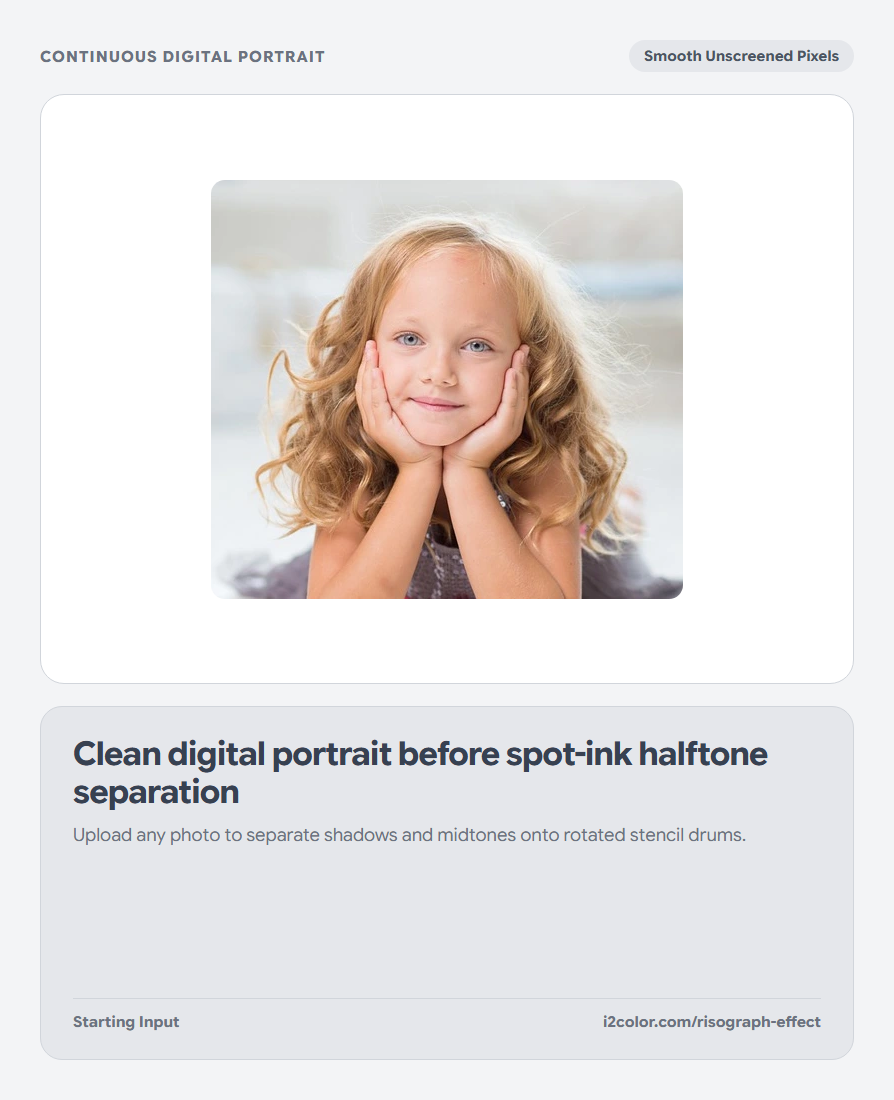
Click the Studio Ruby Upload Image button (or use the built-in portrait sample). Your Active Palette automatically assigns your deepest swatch to Drum 1 (shadow structure), your most vibrant swatch to Drum 2 (midtone warmth), and your lightest swatch to the paper stock.
Click Shuffle in the Active Palette bar to audition classic Riso pairings like Indigo + Fluorescent Crimson or Forest Teal + Marigold.
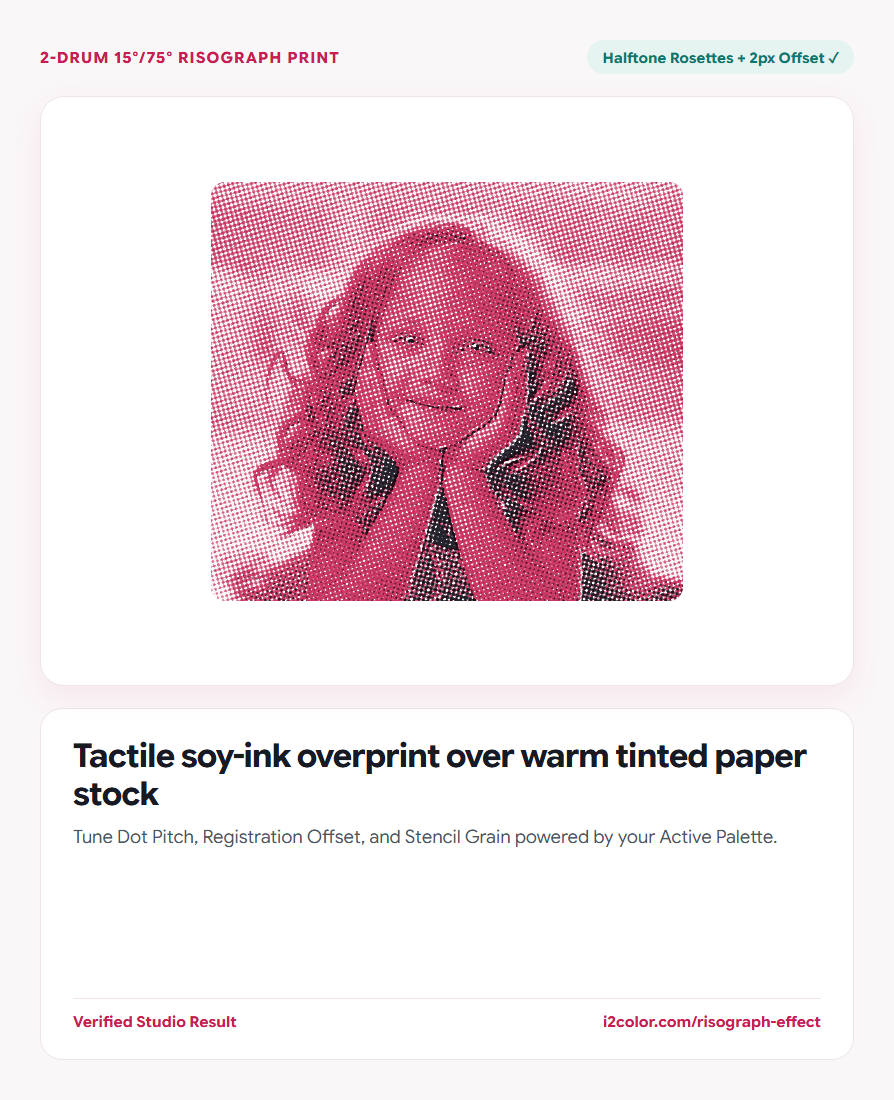
Split comparison: Split mode is active by default—drag the center handle left and right to inspect halftone dot detail against the original photo.
Adjust halftone screen coarseness and registration
Use Dot Pitch (2px fine book screen up to 10px bold poster dots), Offset (1–4px drum misregistration), and Grain for organic soy-stencil texture.
Because Drum 1 (`15°`) and Drum 2 (`75°`) sit 60° apart, overlapping midtones form natural printmaker rosettes instead of moiré bands.
Dot Pitch (2–10px)
Smaller values preserve fine portrait eyelashes; larger values create bold brutalist poster dots.
Drum Registration Offset
Simulates two physical stencil passes shifting slightly along high-contrast edges.
Stencil Ink Grain
Breaks up clinical digital gradients into tactile, fibrous print coverage.
Download your finished Risograph print PNG
Toggle to Print for an unobstructed view and click Download PNG to save lossless raster artwork.
/* Two-Drum Risograph Separation Summary */
Paper Stock: #FAF6F2 (Warm Natural Vellum)
Drum 1 (15°): #1E293B (Deep Slate Shadow Plate)
Drum 2 (75°): #C81E51 (Studio Ruby Midtone Plate, +2px Offset)Common questions
Why does subtractive multiply blending look richer than alpha blending?
Real Riso inks are semi-translucent; where crimson and indigo dots overlap on cream paper, wavelengths absorb multiplicatively to create a rich third plum dark.
Which image subjects work best for Risograph effects?
Portraits, botanical photography, bold architecture, and high-contrast street scenes with clear light-to-shadow separation shine brightest.
Is PNG export lossless so halftone dots stay sharp?
Yes—exporting lossless PNG avoids the blurry mosquito noise that JPEG compression introduces around sharp halftone dots.
Try Risograph & Halftone Studio
Separate photos into rotated 15°/75° spot-ink screens with paper grain and offset.