

Open Replace Image Color in your browser to select any color in a product photo, garment, or PNG icon and replace it smoothly in perceptual OKLab space with adjustable tolerance and feathering. Everything runs locally on your device with instant sync across the shared Active Palette bar.
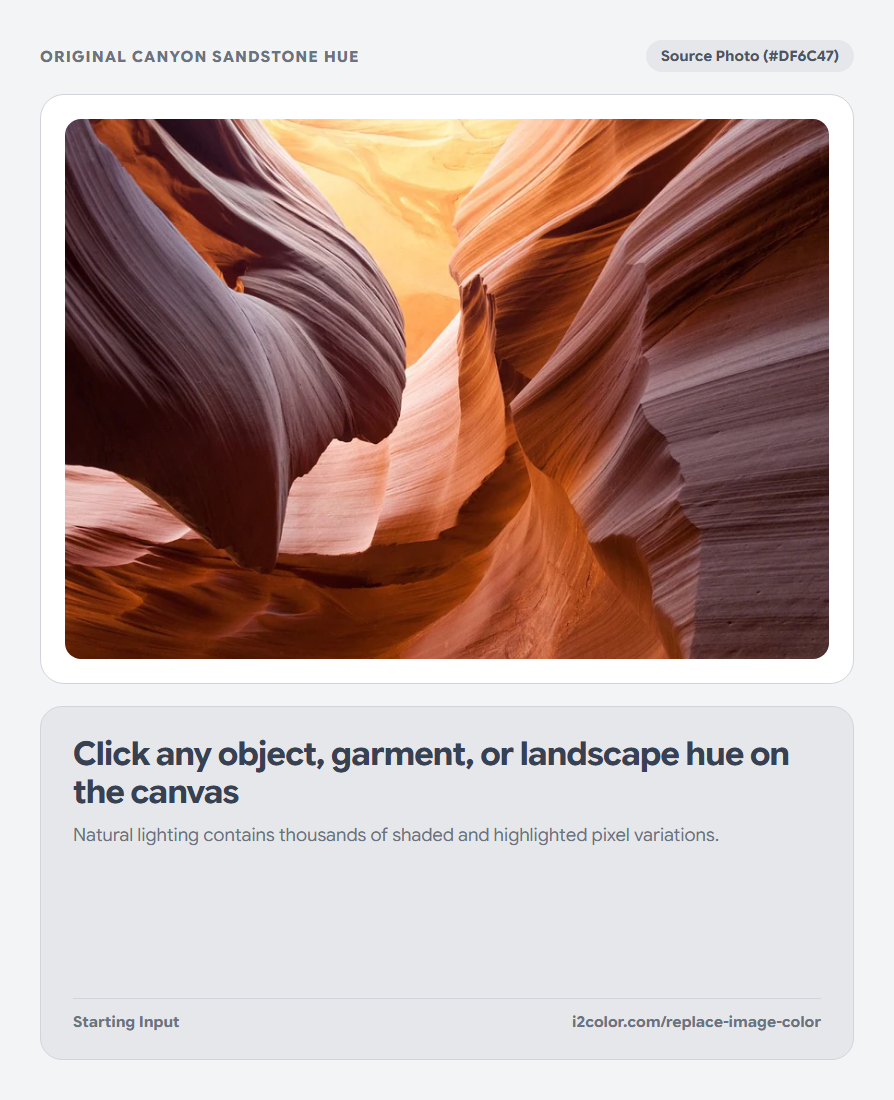
Upload your photo and click the color you want to swap
Click Upload Image (supporting PNG, JPG, WebP, AVIF, GIF, SVG, BMP, ICO, and TIFF) and click directly on the garment, product, or icon area you want to recolor.
Then choose your desired replacement color from the target picker or click any swatch in your Active Palette bar.
Click a midtone pixel: Sampling a well-lit midtone area on the object captures both its shaded folds and brighter highlights most evenly.
Dial in Tolerance and Feather for seamless edges
Raise Tolerance until the entire object surface shifts cleanly, then adjust Feather to create a soft perceptual falloff where the object meets hair, skin, or background pixels.
Drag the interactive Split divider across the photo to inspect edge transitions before exporting.
Perceptual Tolerance
Measures 3D OKLab distance from your clicked sample so shaded folds of the same hue stay included.
Edge Feathering
Blends boundary anti-aliased pixels smoothly—eliminating crunchy cutout halos on PNGs and hairlines.
Shading Preservation
Retains specular highlights and shadow gradients so glossy plastics and fabrics look natural.
Download your recolored PNG at full sharpness
Switch to Result or click Download PNG to save the recolored image with full original alpha transparency intact.
/* Perceptual OKLab Selective Shift Summary */
Sampled Source:  #2563EB  oklch(54.6% 0.215 263)
Target Swatch:   #C81E51  oklch(53.2% 0.205 12)
Tolerance / Soft: 28% / 16% (Specular Luminance Retained)Common questions
Why did background objects of a similar color also shift?
Color replacement operates globally on matching OKLab hues across the image; lower Tolerance slightly if a nearby object shares a close hue.
Can I replace pure white or pure black objects with a color?
Neutral grays/whites have near-zero chroma; keep Tolerance tight so surrounding white backgrounds are not included.
Are product photos uploaded to an external API?
No—every pixel transform executes locally on HTML5 Canvas inside your browser.
Try Replace Image Color
Click any object hue and shift it smoothly in OKLab without losing natural folds or shine.