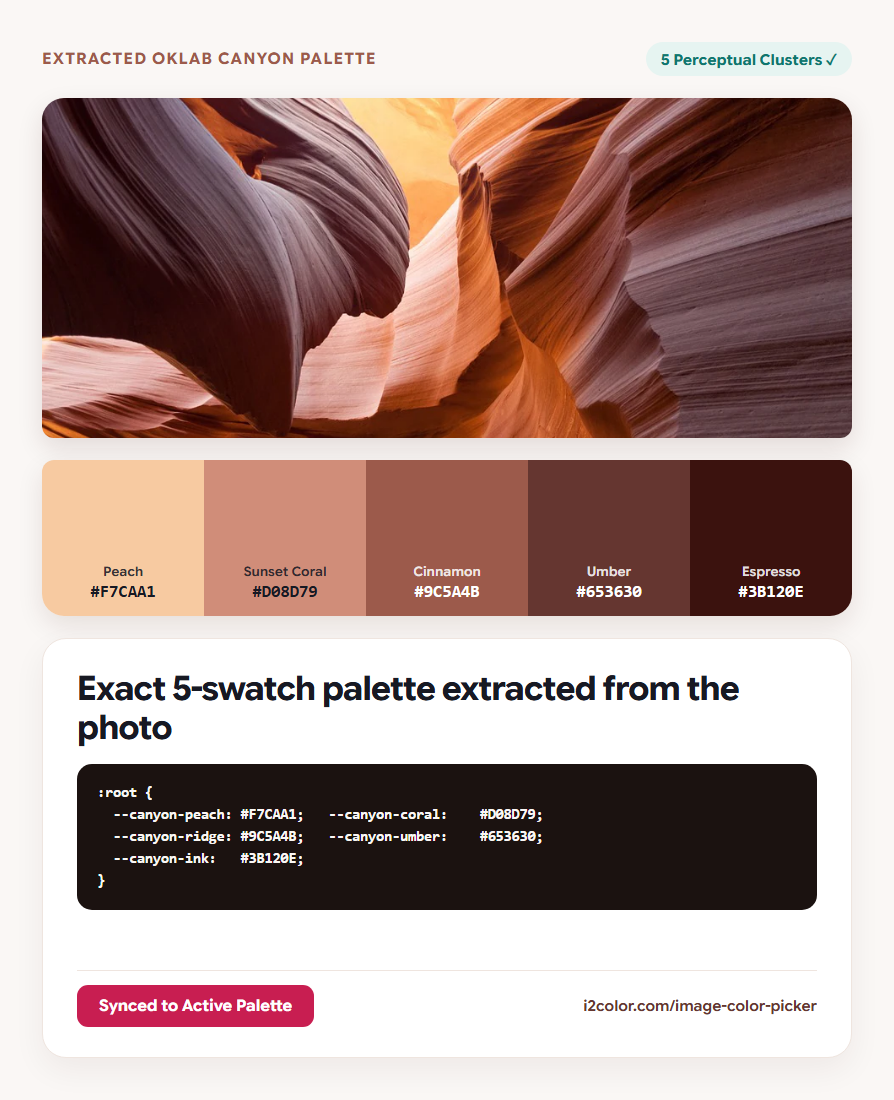

Open Image Color Picker in your browser to pick exact pixel HEX, RGB, and OKLCH codes with an 11×11 loupe and extract dominant perceptual OKLab color palettes from any photo in your browser. Everything runs locally on your device with instant sync across the shared Active Palette bar.
Drop a photo or paste a screenshot
Click Upload Image, drag a file onto the stage, or press Ctrl+V to paste a screenshot directly from your clipboard. PNG, JPEG, WebP, AVIF, GIF, SVG, BMP, ICO, and multi-channel TIFF images decode locally on HTML5 Canvas.
Hover across any detail on the canvas to engage the 11×11 pixel magnifier loupe and click once to pin that exact pixel’s #HEX, RGB, and OKLCH coordinates.
Screenshot shortcut: Capture any website or app window with Win+Shift+S (or Cmd+Shift+4) and press Ctrl+V right on the page—no temporary file needed.
Extract dominant colors in perceptual OKLab
Adjust the extracted palette size between 3 and 8 swatches. Instead of averaging RGB channels, the extractor groups pixels using deterministic K-Means++ clustering in OKLab space so small focal accents survive alongside broad background tones.
Click any extracted swatch chip to copy its 6-digit #HEX value or inspect its pixel share.
11×11 Pixel Loupe
Pinpoints single-pixel hairlines, typography, and icon strokes without anti-aliasing guesswork.
OKLab K-Means++
Separates warm highlights from deep shadows cleanly instead of collapsing them into muddy gray.
Send to Active Palette
Loads the extracted photo scheme into the top Paintbox bar for every other i2Colors tool.
Push extracted swatches into your workflow
Click Send to Palette to promote your photo’s extracted colors into the shared Active Palette bar, then jump directly to Visualize, Contrast, or Tailwind to turn photographic inspiration into accessible code.
:root {
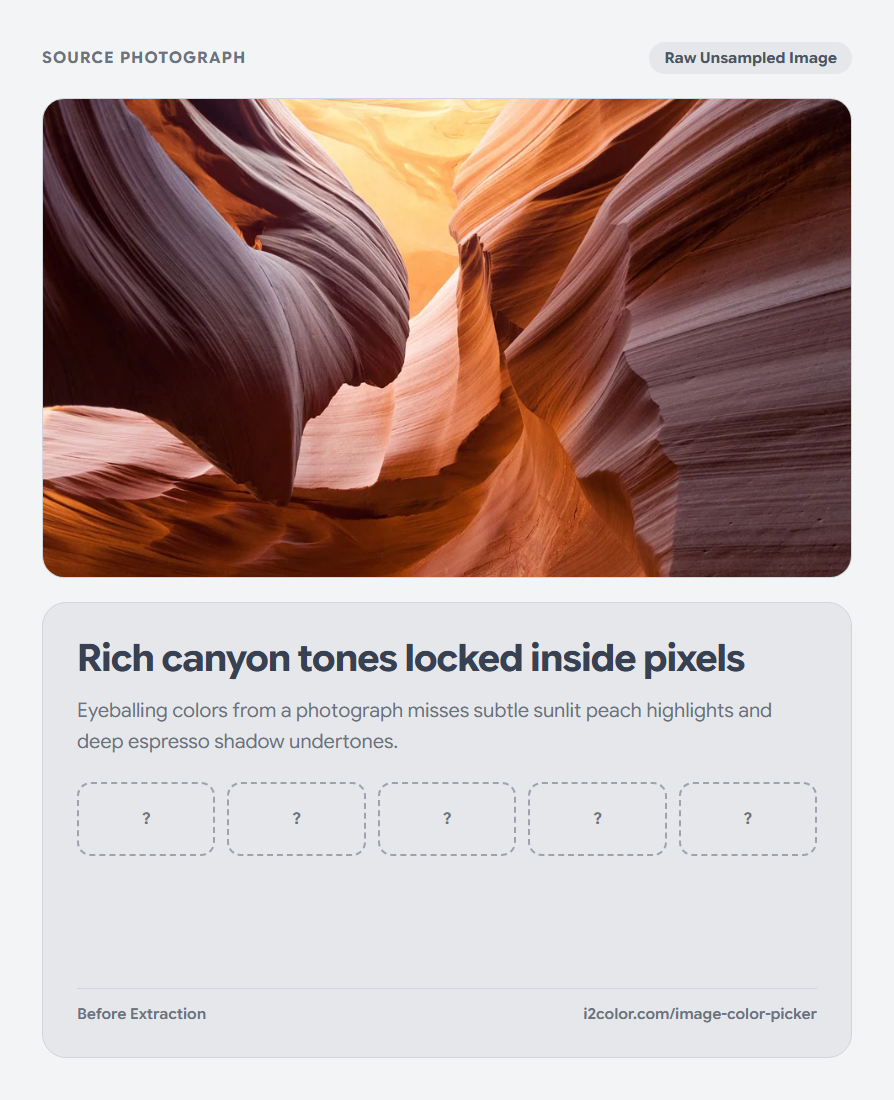
  --canyon-peach:    #F7CAA1; /* Rim Sunlight  — Peach        */
  --canyon-coral:    #D08D79; /* Sandstone     — Sunset Coral */
  --canyon-cinnamon: #9C5A4B; /* Warm Ridge    — Cinnamon     */
  --canyon-umber:    #653630; /* Canyon Shadow — Umber        */
  --canyon-espresso: #3B120E; /* Crevice Ink   — Espresso     */
}Common questions
Why did clicking near a letter edge return an unexpected gray?
Subpixel anti-aliasing blends text edges with the background. Use the 11×11 magnifier loupe to click the solid center pixel of a stroke.
Does image resolution affect extracted palette colors?
No. High-megapixel photos are sampled evenly across perceptual OKLab space while keeping the full-resolution canvas crisp for pixel picking.
Are confidential screenshots or product mockups uploaded?
Never. Decoding, loupe magnification, and K-Means++ clustering run 100% locally in browser memory.
Try Image Color Picker
Sample exact pixels or pull a balanced palette from any photo.