


Brand Cohesion
Multi-swatch OKLab transfer
Maps shadows, midtones, and accents smoothly toward the closest swatches in your Active Palette.
Map photos seamlessly onto your Active Palette with adjustable strength and luminance detail.
Unify stock photography, hero banners, and marketing visuals around your brand palette. Unlike flat overlays that wash out contrast, perceptual OKLab inverse-distance projection transfers your multi-color palette while preserving natural specular highlights, shadows, and crisp edge detail.
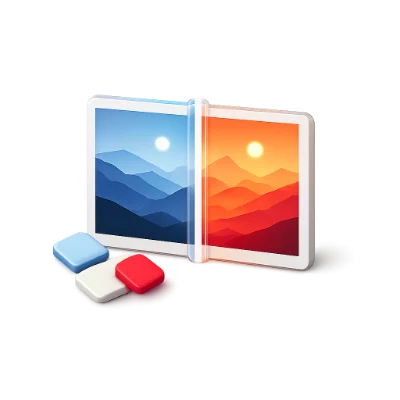
Maps shadows, midtones, and accents smoothly toward the closest swatches in your Active Palette.
Keep crisp photographic lighting and skin/surface gradients free of posterization.
Supports PNG, JPG, WebP, AVIF, GIF, SVG, BMP, ICO, and multi-channel TIFF locally.
Transfers target hue and chroma while retaining natural highlights, shadows, and feathered edges.
Click any pixel region on your photo to re-sample the source color interactively.
Maps 256 grayscale levels smoothly across Shadow, Midtone, and Highlight palette colors.
Outputs both high-res raster images and reusable SVG feComponentTransfer filters.
Move freely between Generator, Visualizer, Contrast, Tailwind, and Vision without re-entering colors.
Your active palette syncs automatically in browser storage across every module, and visiting any tool directly starts from a fresh harmonious palette.
See your palette applied immediately to realistic typography, buttons, inputs, illustrations, and data bars.
Hover any swatch in the active palette bar to highlight the exact elements using that role.
Supports 3 to 8 active palette roles with unlimited local saves and exports—no account required.
All color math, simulations, and exports run locally in your browser while syncing your active palette across tools.
A few answers before you get started.
On your deviceNo. Every pixel is decoded and color-graded locally inside your browser using HTML5 Canvas and typed arrays.
Strength controls how strongly pixel hues/chroma pull toward your Active Palette, while Preserve Detail retains original luminance so shadows and highlights stay crisp.
Replace Color targets one clicked object hue, whereas Recolor Image to Palette grades the entire photograph harmoniously across all swatches in your Active Palette.
Yes. Drag the interactive Split handle across the canvas or toggle between Split and Recolored views.