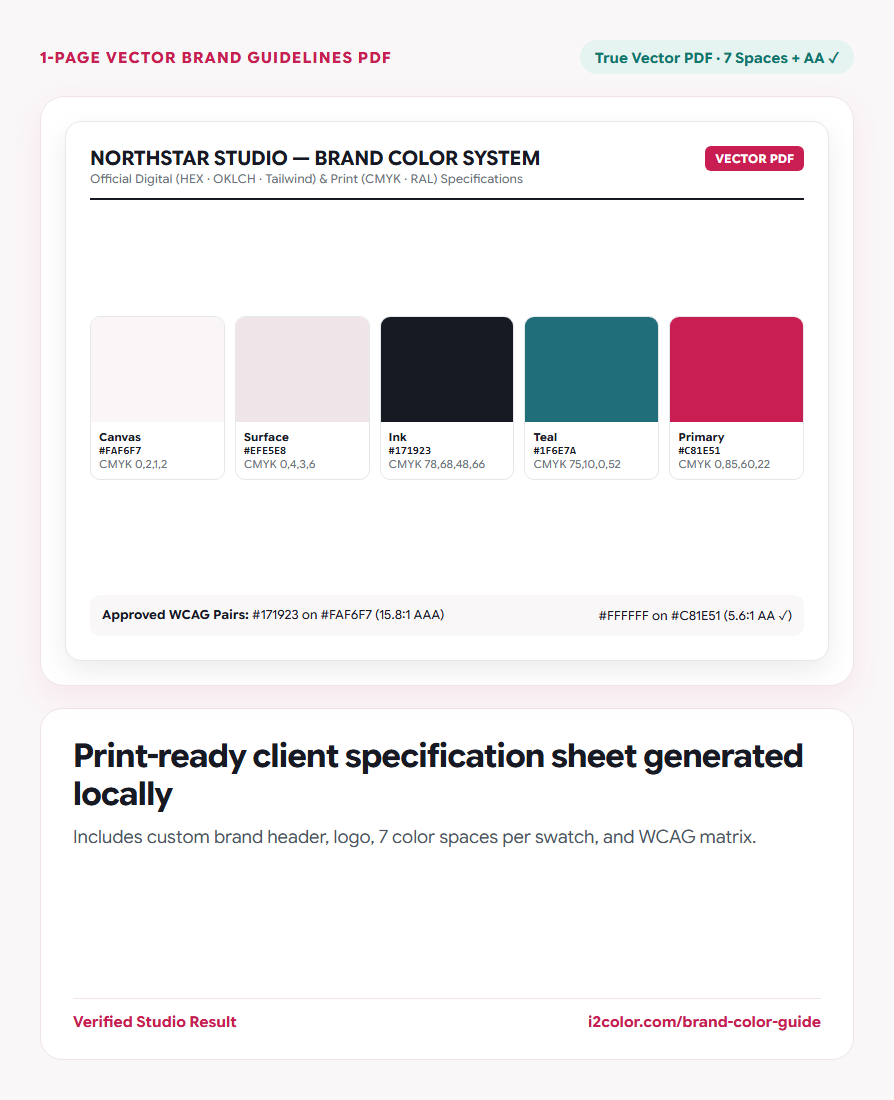

Open Brand Color Guide PDF in your browser to create a customizable 1-page vector Brand Color Guidelines PDF with client name, logo, HEX/RGB/OKLCH/CMYK/Tailwind/RAL specs, and WCAG contrast tables. Everything runs locally on your device with instant sync across the shared Active Palette bar.
Enter your brand or project title and optional logo
Load your finalized colors in the Active Palette bar, enter your client or product name (for example Northstar Identity — Color System v1.0), and optionally attach a local PNG, WebP, or SVG logo.
Preview the complete sheet layout live on screen before exporting.
Available from every tool: You can also export this same Brand PDF anytime by clicking the PDF icon on the right side of the Active Palette bar.
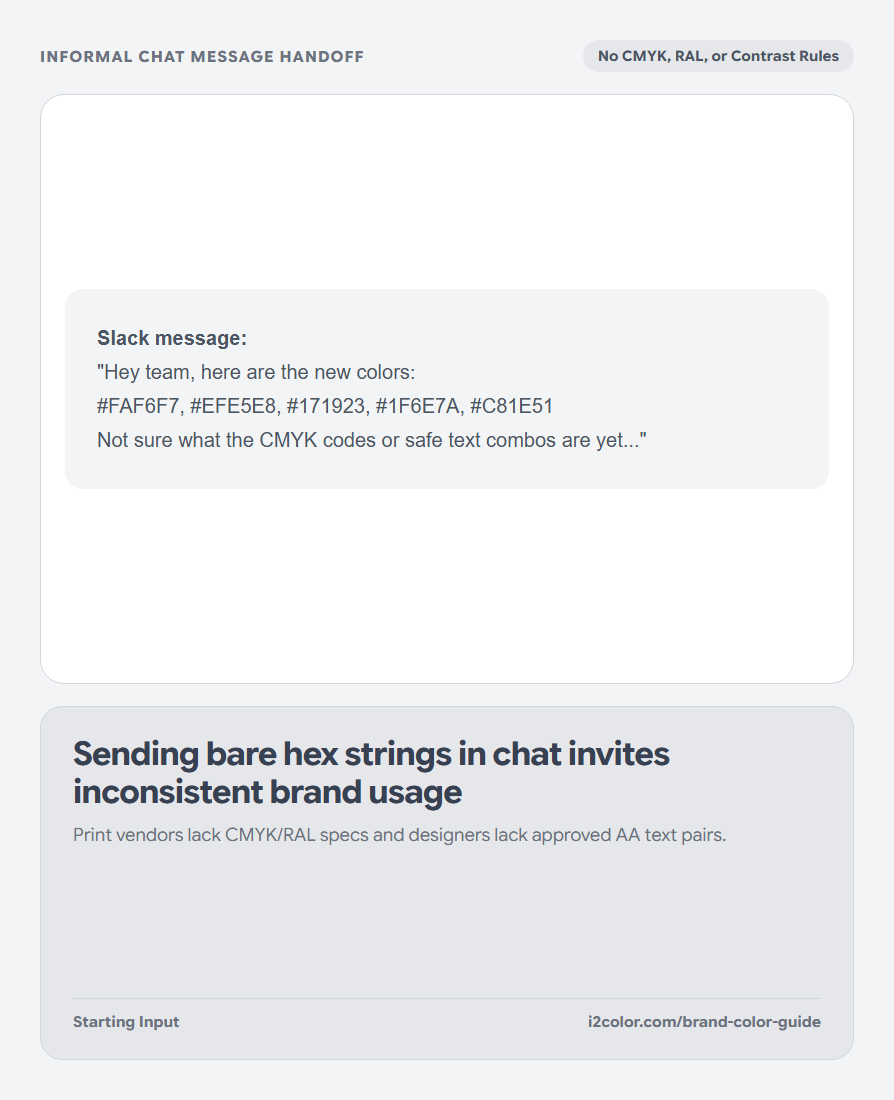
Verify digital codes, print references, and approved text pairs
Every swatch card on the sheet automatically tabulates HEX, RGB, HSL, OKLCH, CMYK, nearest Tailwind v4 token, and nearest Classic RAL code alongside semantic role percentages.
The bottom governance section lists approved WCAG AA and AAA foreground-on-background combinations so designers know exactly which pairs are safe for copy.
100% True Vector PDF
Authored directly as native PDF vector primitives—razor-sharp at 400% zoom or offset print.
Screen + Print Standards
Bridges frontend developers (HEX/OKLCH/Tailwind) and print vendors (CMYK/RAL) on one page.
Contrast Governance Table
Documents which text/background combinations pass WCAG 2.1 AA and AAA automatically.
Save and share your Brand Color Guidelines PDF
Click Download Brand PDF to generate the finished PDF locally in milliseconds—no watermarks, sign-ups, or server uploads.
/* Included Per-Swatch Specification Fields */
Role:     Primary Accent (10%)
HEX:      #C81E51          RGB:      200, 30, 81
OKLCH:    53.2% 0.205 12   CMYK:     0, 85, 60, 22
Tailwind: rose-700         RAL:      3027 Raspberry Red
Approved: #FFFFFF on #C81E51 (5.6:1 WCAG AA)Common questions
Are client names or uploaded logos sent to a remote server to build the PDF?
Never. Our custom PDF writer constructs the entire vector PDF byte-stream directly in browser JavaScript.
How many swatches fit cleanly on the 1-page PDF?
Anywhere from 3 to 8 Active Palette swatches—the grid layout adapts column widths automatically to keep typography spacious.
Does the PDF open cleanly in Adobe Illustrator and Acrobat?
Yes—it follows standard PDF 1.4 vector graphics conventions compatible with Acrobat, Preview, Chrome, Figma, and Illustrator.
Try Brand Color Guide PDF
Deliver crisp vector color specs, CMYK/RAL codes, and approved WCAG pairs to clients.