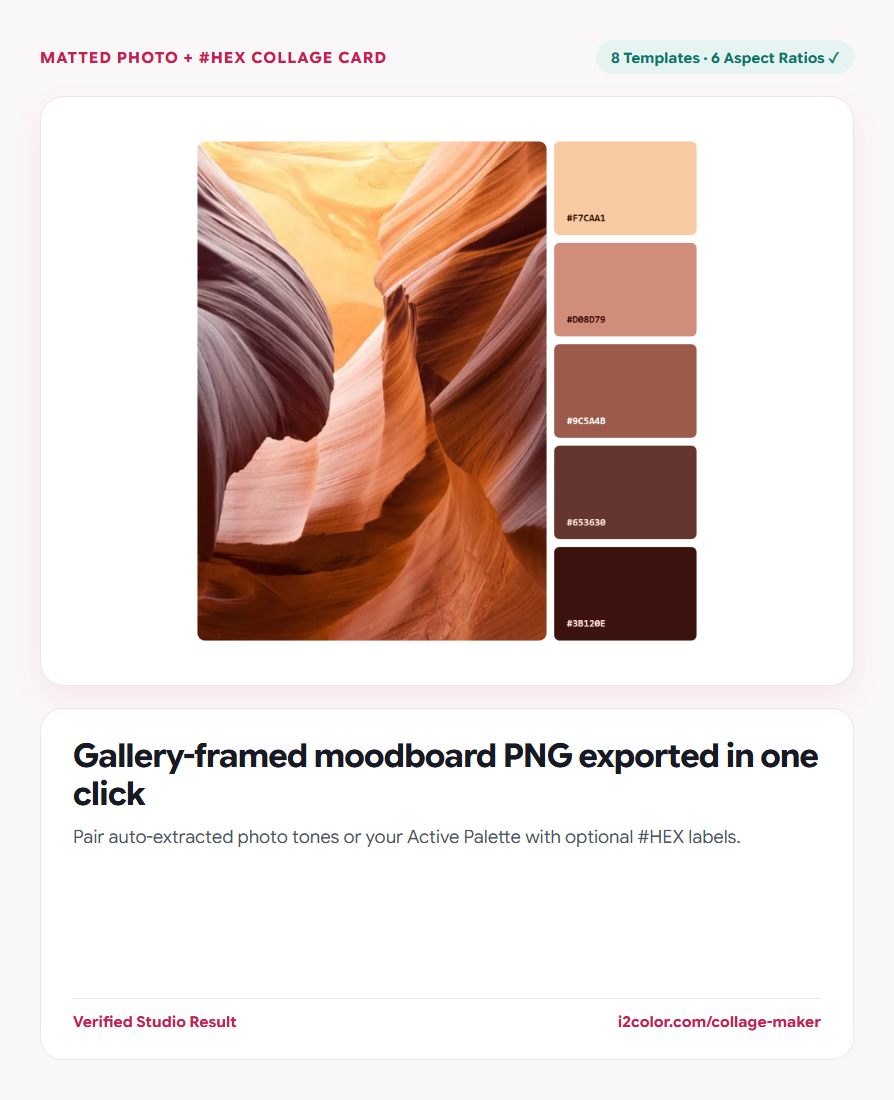

Open Collage Maker in your browser to create editorial photo-and-swatch moodboard collages across 8 templates and 6 aspect ratios with optional #HEX labels and high-resolution PNG export. Everything runs locally on your device with instant sync across the shared Active Palette bar.
Drop an image and choose Auto-Extracted or Studio swatches
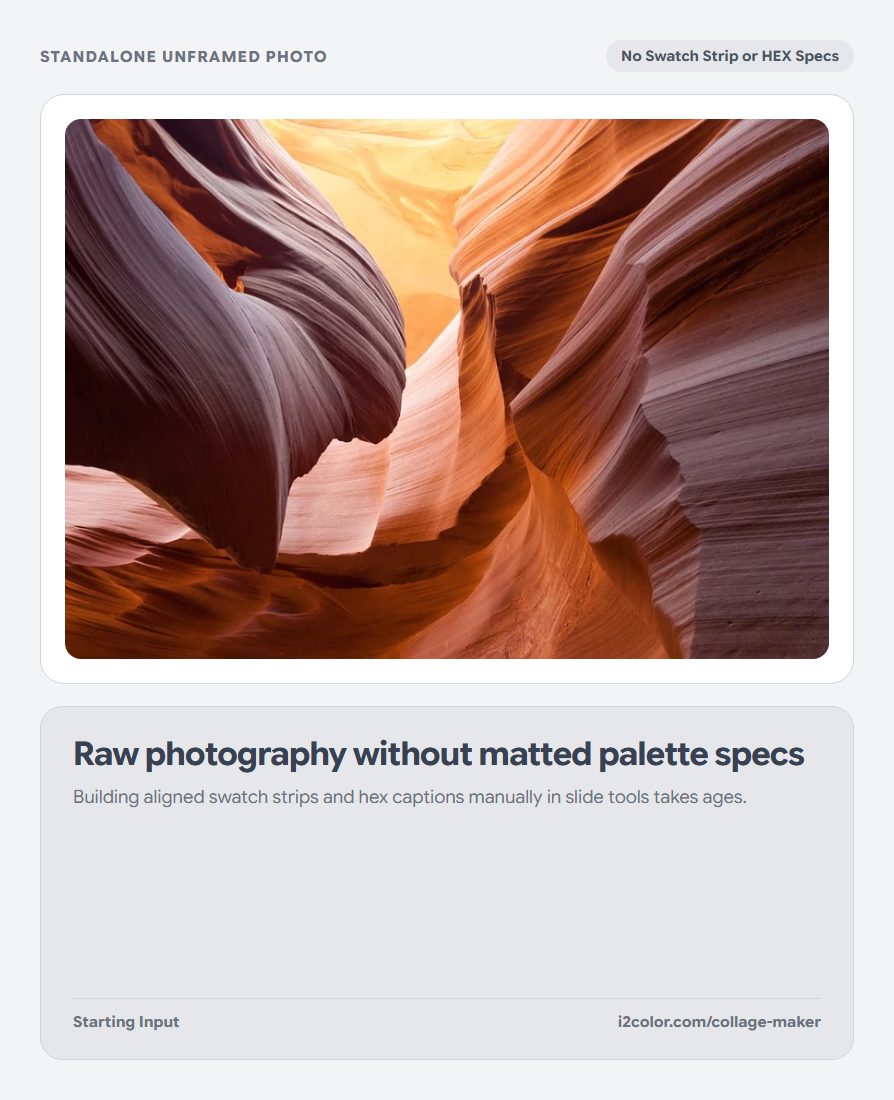
Upload any photo (`PNG`, `JPG`, `WebP`, `AVIF`, `GIF`, `SVG`, `BMP`, `ICO`, or `TIFF`) and choose whether the swatch strip pulls dominant OKLab colors from the photo or displays your current Active Palette.
Drag/pan the photo framing if needed so the focal subject sits cleanly inside the crop.
Toggle HEX codes: Enable #HEX labels for client style-direction slides or hide labels for minimalist Instagram and Pinterest posts.
Pick from 8 editorial templates and 6 aspect ratios
Switch between bottom strips, sidebars, floating Polaroid mats, circular chips, and split editorial grids.
Match your export destination with one click—from 4:5 feed posts and 9:16 Stories to 16:9 pitch-deck slides.
Social & Pinterest Ratios
Native 1:1, 4:5, 9:16, and 2:3 dimensions prevent platform cropping on mobile feeds.
Pitch-Deck & Keynote Slides
Widescreen 16:9 and 3:2 layouts drop straight into brand moodboard presentations.
Light & Dark Gallery Mats
Adjust frame padding, corner rounding, and paper mat color for crisp visual separation.
Export a crisp high-resolution PNG card
Click Download PNG to render your finished collage locally at crisp Retina resolution with zero watermarks.
/* Exported Moodboard Swatch Strip */
Canvas Mat:  #FFFFFF (24px Gallery Passepartout)
Aspect:      4:5 Portrait (1600 × 2000 px PNG)
Swatches: #FAF6F7 · #EFE5E8 · #171923 · #1F6E7A · #C81E51Common questions
Are watermarks ever added to downloaded collages?
Never. Every PNG export on i2Colors is completely clean and free for personal and commercial client work.
Can I reorder the swatches inside the collage strip?
Yes—reorder or edit swatches in the Active Palette bar above and the collage canvas updates immediately.
Are client campaign photos uploaded to any server?
No—image decoding and high-DPI canvas composition happen 100% locally in your browser.
Try Collage Maker
Pair photography with extracted #HEX strips across 8 layouts and 6 aspect ratios.