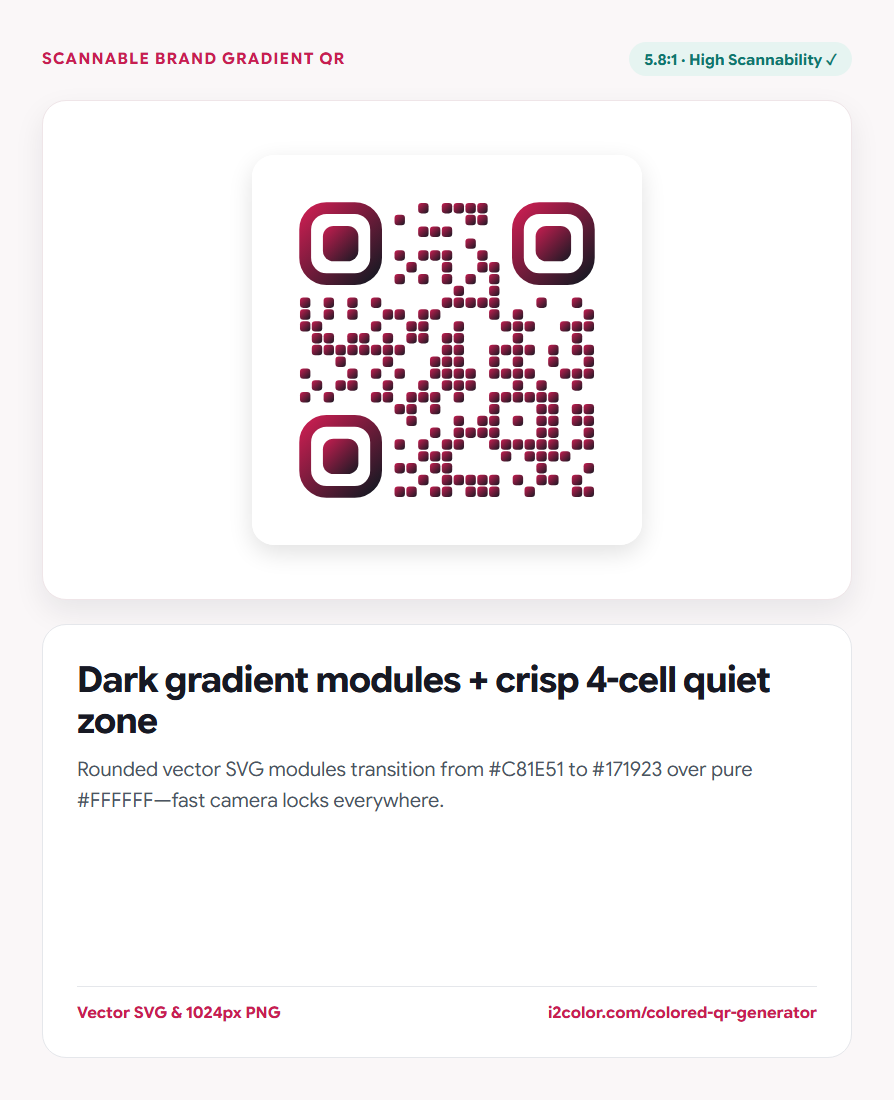

Open Colored QR Code Studio in your browser to design custom colored and gradient QR codes in vector SVG and 1024px PNG while verifying dark-on-light polarity and WCAG scanner contrast live. Everything runs locally on your device with instant sync across the shared Active Palette bar.
Type your destination URL or text directly
Paste your target URL or text into the Content field. Because encoding happens locally via ISO/IEC 18004 Reed-Solomon math, your QR code encodes the literal URL—no third-party redirect servers, tracking pixels, or expiring links.
Choose Rounded, Dots, or Classic module geometry in the center bar.
Shorter URLs scan faster: Fewer characters produce a lower-density QR version with larger physical modules on printed labels.
Style from your Active Palette and verify polarity
Pick Gradient or Solid fill and select colors from your Active Palette. Watch the Camera Scannability panel: it evaluates the lightest stop of your gradient against the quiet-zone surface.
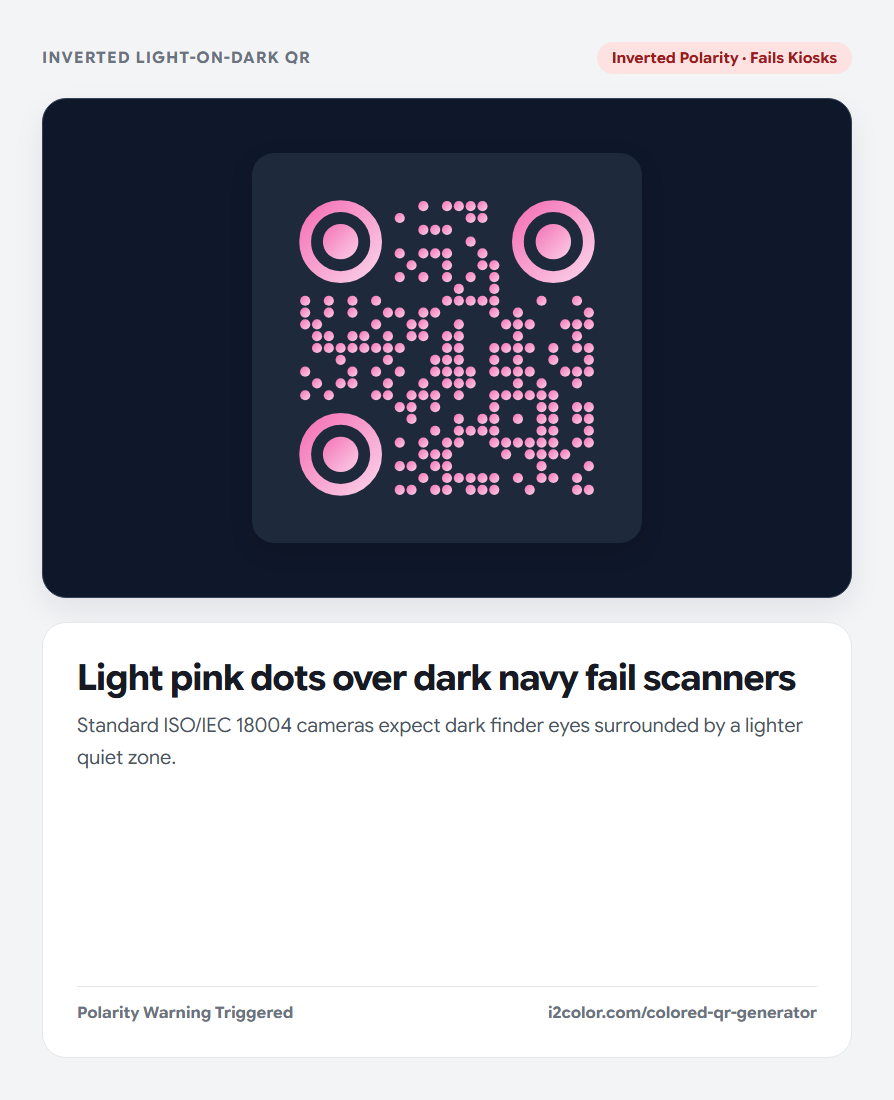
If contrast drops below 3.5:1 or inverts polarity, click Auto-Fix Scannability to snap modules into safe luminance while keeping your brand hue.
4.5:1+ Contrast Target
Provides reliable camera recognition across glossy packaging, menus, and dim venues.
Dark-on-Light Polarity
Always keep foreground modules darker than the 4-module quiet zone around the border.
Geometric Vector Output
True <svg> paths scale cleanly from 2 cm product stickers to billboard signage.
Download SVG for print layout or PNG for web
Click SVG for Adobe Illustrator, InDesign, or Figma print layouts, or Download PNG for a crisp 1024×1024 raster asset.
<!-- Clean ISO/IEC 18004 Vector QR Structure -->
<svg viewBox="0 0 33 33" shape-rendering="geometricPrecision">
  <defs>
    <linearGradient id="qr-grad" x1="0%" y1="0%" x2="100%" y2="100%">
      <stop offset="0%" stop-color="#C81E51"/>
      <stop offset="100%" stop-color="#1E293B"/>
    </linearGradient>
  </defs>
  <rect width="33" height="33" fill="#FFFFFF"/>
  <!-- 4-module quiet zone + sculpted finder eyes -->
</svg>Common questions
Can a QR code use a two-color gradient safely?
Yes, provided both gradient endpoints remain darker than the background quiet zone with at least 3.5:1–4.5:1 contrast.
Why is the 4-module border margin required?
Optical scanners rely on a clean 4-module quiet zone around the three corner finder squares to isolate the symbol from surrounding text or borders.
What minimum print size is safe for business cards?
Print QR symbols at 20 mm × 20 mm (0.8 in) or larger using vector SVG artwork.
Try Colored QR Code Studio
Style brand QR codes in vector SVG without breaking phone camera scanners.