
Open Color Palette Generator when you have one brand color—or a blank canvas—and need supporting backgrounds, surfaces, text inks, and accents that stay readable together. In this walkthrough, we lock Studio Ruby (#C81E51) and build a complete five-color 60-30-10 system in perceptual OKLCH space.
Enter and lock your anchor color
Click the color code on any swatch column, paste your brand HEX value (here #C81E51), and select the Lock icon on that column. A locked swatch stays untouched while every unlocked column adapts around its exact perceptual hue and lightness.
Use the − / + color counter in the toolbar to choose how many roles your project needs—from a minimal 3-color poster scheme up to an 8-color design system.
Keyboard shortcut: Focus any column and press L to lock or unlock it, or drag the handle icon horizontally to reorder swatches from lightest background to deepest ink.
Explore OKLCH harmonies in 60-30-10 view
Open Harmony in the toolbar and choose Split-Complementary (or keep Auto to sample across harmony models), then press Spacebar or click Generate. Because hue angles rotate in perceptual OKLCH rather than HSL, warm yellows and cool teals keep consistent visual brightness without neon clipping.
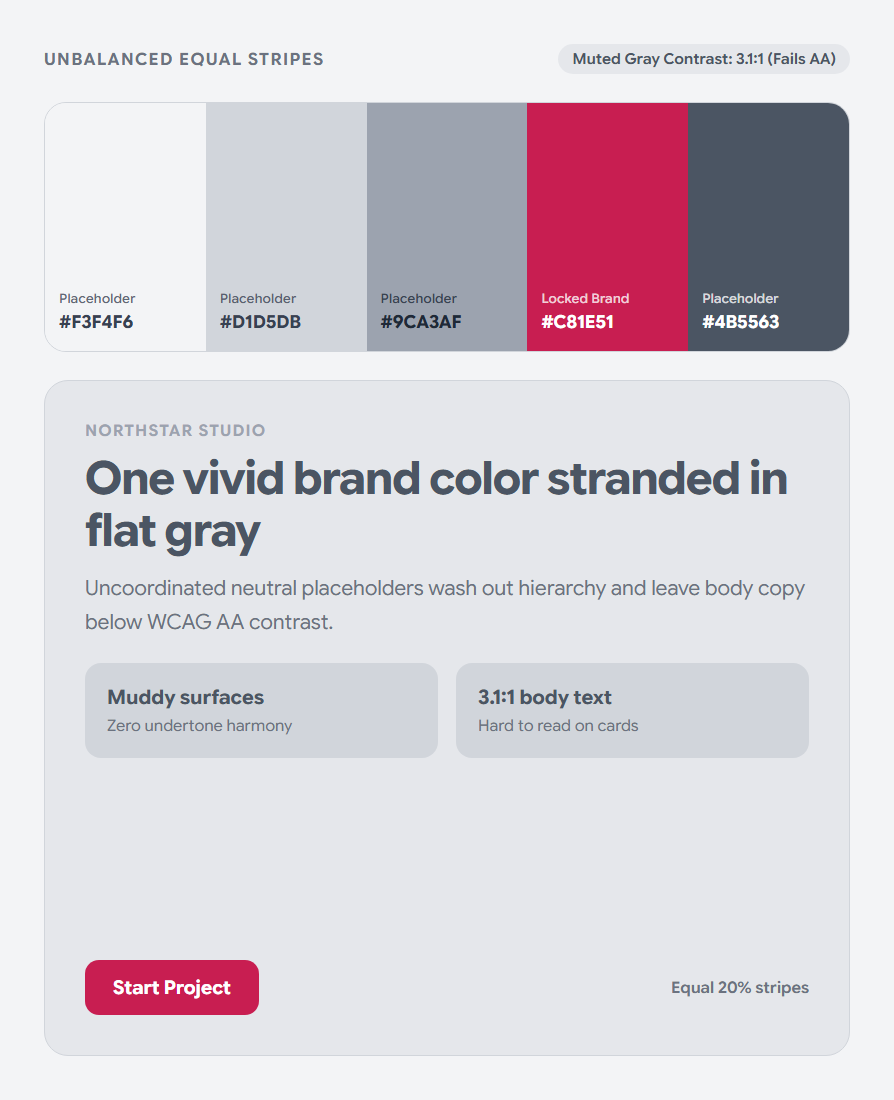
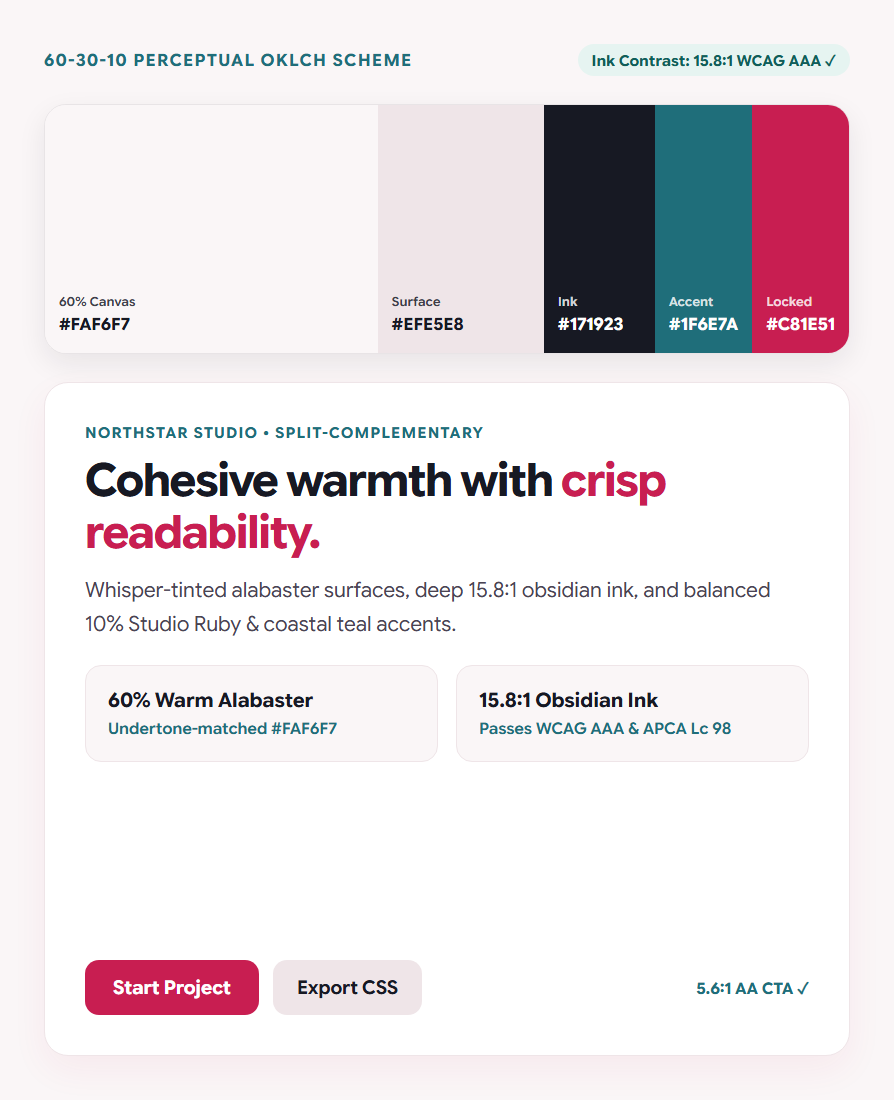
Next, switch the column width toggle from Equal to 60-30-10. Five equal stripes often trick the eye into picking overly saturated backgrounds; viewing swatches at real layout proportions immediately reveals whether your canvas feels calm.
60% Dominant Canvas (#FAF6F7)
Whisper-tinted alabaster carries a subtle 355° ruby undertone so white space feels cohesive rather than sterile gray.
30% Surface & Deep Ink (#EFE5E8 · #171923)
Separates cards cleanly from the page background while delivering a crisp 15.8:1 WCAG AAA reading ratio.
10% Brand & Secondary Accents (#C81E51 · #1F6E7A)
Reserves high-chroma Studio Ruby (5.6:1 AA with white labels) for primary actions and coastal teal for badges and charts.
Test in context and export clean tokens
Select Visualize or Contrast in the upper suite bar to inspect your Active Palette on live editorial webpages, dashboards, and WCAG/APCA matrices—no copy-pasting required. When you are satisfied, click Export to copy production CSS custom properties, Tailwind CSS v4 tokens, Adobe ASE swatches, or download the 1-page vector Brand Color Guidelines PDF.
:root {
  --color-background: #FAF6F7; /* oklch(0.978 0.006 355) */
  --color-surface:    #EFE5E8; /* oklch(0.926 0.012 355) */
  --color-ink:        #171923; /* oklch(0.214 0.018 268) — 15.8:1 AAA */
  --color-secondary:  #1F6E7A; /* oklch(0.498 0.086 206) — 5.7:1 AA  */
  --color-primary:    #C81E51; /* oklch(0.532 0.205 12)  — 5.6:1 AA  */
}Common questions
How many colors should a website or app palette have?
Five roles cover most interfaces cleanly: one page background, one elevated card surface, one high-contrast body text ink, one primary action color, and one secondary accent. Expand to 6–8 swatches only when you need dedicated semantic status or chart series colors.
Why do HSL palettes often look uneven compared to OKLCH?
Standard HSL treats pure yellow and pure blue as equal at 50% lightness, even though yellow reflects nearly nine times more luminance. OKLCH equalizes perceived lightness so companion swatches share genuine visual weight.
Can I fine-tune a single swatch without regenerating the others?
Yes. Click the Shades icon on any column to pick from 15 perceptual tonal steps, or open the circular OKLCH Adjuster to nudge lightness, chroma, or hue angle individually.
Build your palette in OKLCH
Lock a brand HEX code or press Spacebar to explore balanced combinations.